Lock-On Camera Controls: Tracking a Target or Recentering the View
Lock-on camera controls can select, follow or recenter a target. Compare Monster Hunter Rise and Elden Ring, then read what the right stick does.
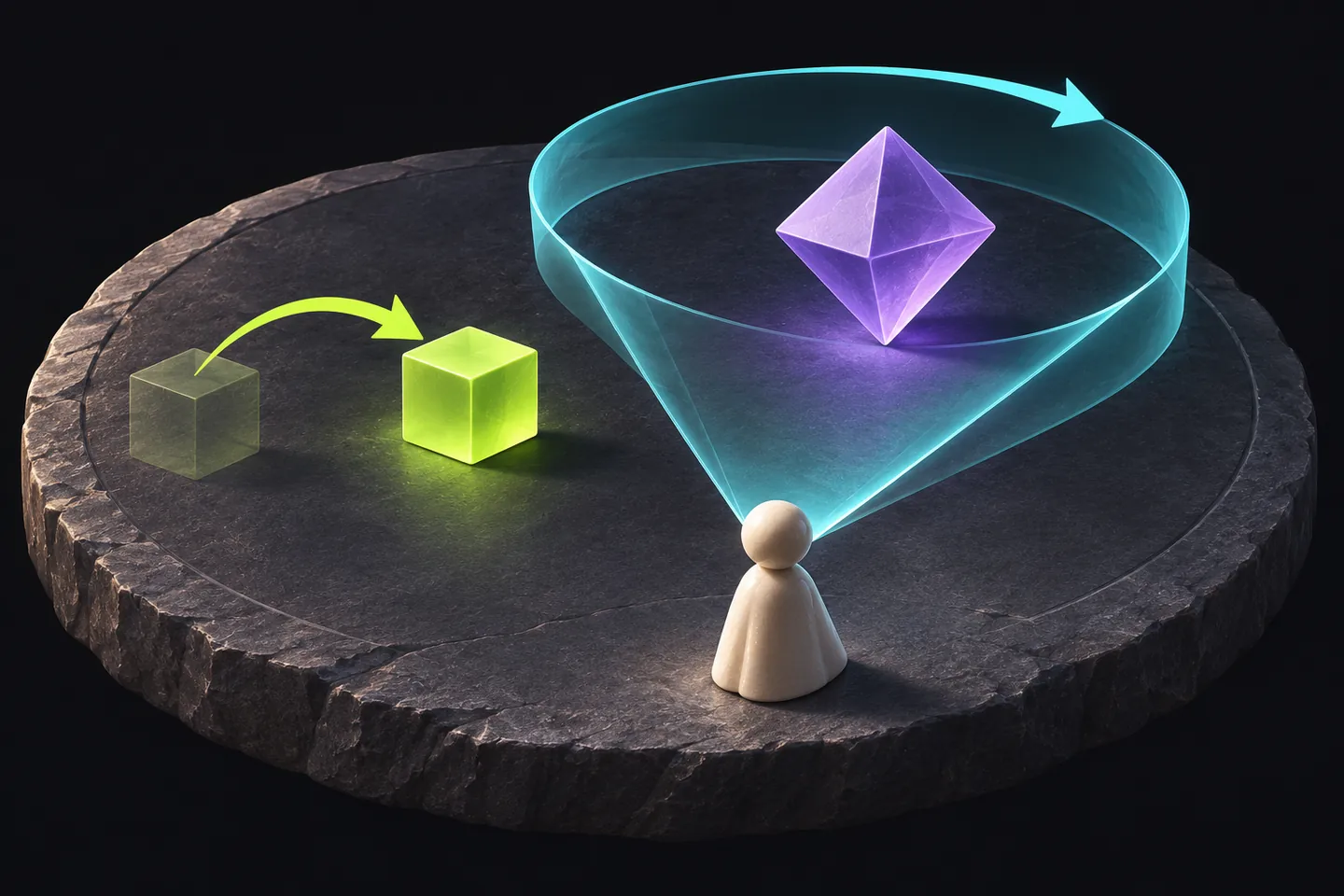
Separate the selected subject from the moving view
Lock-on camera controls can involve several jobs: choosing a subject, following it and turning the view toward it on request. Monster Hunter Rise's camera options illustrate why selecting an enemy need not mean continuously following it. Start by identifying the behavior you expect after the selection.
Imagine wanting to keep one opponent selected while briefly inspecting a doorway. Choosing the opponent and deciding where to look are related intentions, but they need not be the same instruction. A useful control description explains both. A target marker identifies a selection without describing every subsequent camera action.
Rise documents continuous following and requested recentering
Capcom's Japanese PS5 support FAQ distinguishes a lock-on camera that continuously follows its selected target from Target Camera, which turns toward that target when L1 performs a camera reset. It places the choice in the Camera options. These descriptions concern different behavior after a target has been selected.
The same FAQ assigns R3 to cycling large-monster targets, with a hold to cancel selection. In the continuous-following mode, the right stick changes the body part receiving attention. That gives a precise question when a control feels surprising: did the subject change, did its selected part change, or did the viewpoint change?
Read the reset configuration before counting presses
For Target Camera, Capcom lists right-stick camera movement and configurable L1 behavior. Type 1 uses one press to face the monster and two to face the player's forward direction; Type 2 reverses those assignments. A familiar button therefore needs its configuration beside it.
Suppose a player expects one press to show the monster but sees the hunter's forward view instead. The documented alternatives supply a setting to inspect before assuming the selected monster disappeared or the button failed. Describe the observed view and the configured action separately. These are the FAQ's PS5 controls, not a button map for every platform.
Elden Ring makes target switching a stick action
Bandai Namco Europe's November 10, 2021 Elden Ring starter guide covers PS4, PS5, Xbox One and Xbox Series X|S. It assigns the right-stick press to lock-on and target removal, and right-stick movement to target switching while locked on. It describes keeping the locked enemy in front.
The guide separately assigns weapon attacks to their own controls. Keep selecting an opponent, choosing an attack and observing its outcome distinct. A target marker identifies the selected subject; it does not report a successful hit. When describing an unexpected stick action, include whether a target was already locked on at that moment.
Use a small scene to describe the behavior
Consider an invented training scene with two moving figures and a doorway. Write three intentions: select the left figure, keep watching it as it moves, and inspect the doorway without confusing it with the other figure. This invented scene organizes observations; it reports no gameplay test in either title.
For each intention, identify the relevant selection, tracking or camera-reset control in the actual title. Note which subject remains selected after the action. If the result differs from the intention, record that mismatch before changing several settings. This produces a concrete question about the controls instead of an unsupported verdict about the player's aiming ability.
Keep the control state beside the button
A useful configuration note names the game, platform, selected subject, following mode and right-stick action. It can also name the reset assignment. That description helps explain a transition from looking around to switching targets without treating every movement of the same stick as the same command.
These established examples were checked on November 2, 2026. Capcom's Japanese PS5 FAQ is undated; Bandai Namco's older English European guide is a dated foundational reference. Neither identifies the latest build. Use their stated scopes when reading your own controls, and keep camera behavior separate from claims about hit accuracy or a universally best setting.
Keep exploring
Sources & further reading
- Capcom Japan: Monster Hunter Rise PS5 — lock-on camera versus Target Camera (Japanese, undated FAQ) ↗
- Bandai Namco Europe: Elden Ring starter guide and controller settings, November 10, 2021 ↗
Have a correction? Tell our editorial team.