Console Game Accessibility: Match Settings to the Barrier
Console game accessibility spans readable information, gameplay assistance, difficulty and controller adaptation. Match each option to the barrier it addresses.
Name the obstacle before choosing a setting
Console game accessibility involves several different questions: can a player perceive the information, perform an input, understand the task and engage with its challenge? An easier enemy does not explain an unreadable objective. A larger subtitle does not change the reach needed to press two buttons together. The useful starting point is the activity that is difficult to access.
Imagine two people struggling with the same encounter. One cannot distinguish the warning from the scenery; another can see it clearly but cannot hold the required control. They may want the same challenge with different ways to receive information or act. These are illustrative situations, not accounts of players we tested.
Information settings change how a cue reaches you
God of War Ragnarök's official accessibility page distinguishes spoken-dialogue subtitles from captions describing non-speech audio. It also documents adjustable text, subtitle direction indicators and a high-contrast display. Those examples concern access to information; they should not be collapsed into a single difficulty label.
A hypothetical player who misses a sound behind the character might first investigate the available caption and direction options. Someone who loses an object against a detailed background might investigate contrast. Neither example proves that a setting will solve every player's barrier. It identifies which part of the game's communication deserves attention.
Gameplay assistance can target a particular action
Ragnarök separately documents puzzle aim assistance, which snaps the reticle toward a nearby puzzle target, and puzzle timing options that extend the opportunity to complete environmental puzzles. Its traversal assistance reduces button presses for specified movements. These are concrete changes to an activity rather than a promise that the whole game becomes equally accessible.
A player might enjoy working out the route yet want more time to execute it. Another might want help orienting the camera while keeping the puzzle's timing. Looking for those individual controls gives the player a more precise choice than assuming every kind of assistance must be switched on together.
Difficulty controls alter the encounter's demands
The Last of Us Part II's official documentation describes separate difficulty adjustments for the player, enemies, allies, stealth and resources. Its examples include incoming damage, enemy behavior and available supplies. That allows a more specific discussion than simply asking whether someone prefers easy or hard.
Difficulty and accessibility can intersect: changing an encounter may make it workable. But reducing incoming damage does not, by itself, change the physical layout of a controller. Treat each setting according to what it actually changes.
Adaptive hardware changes access to the inputs
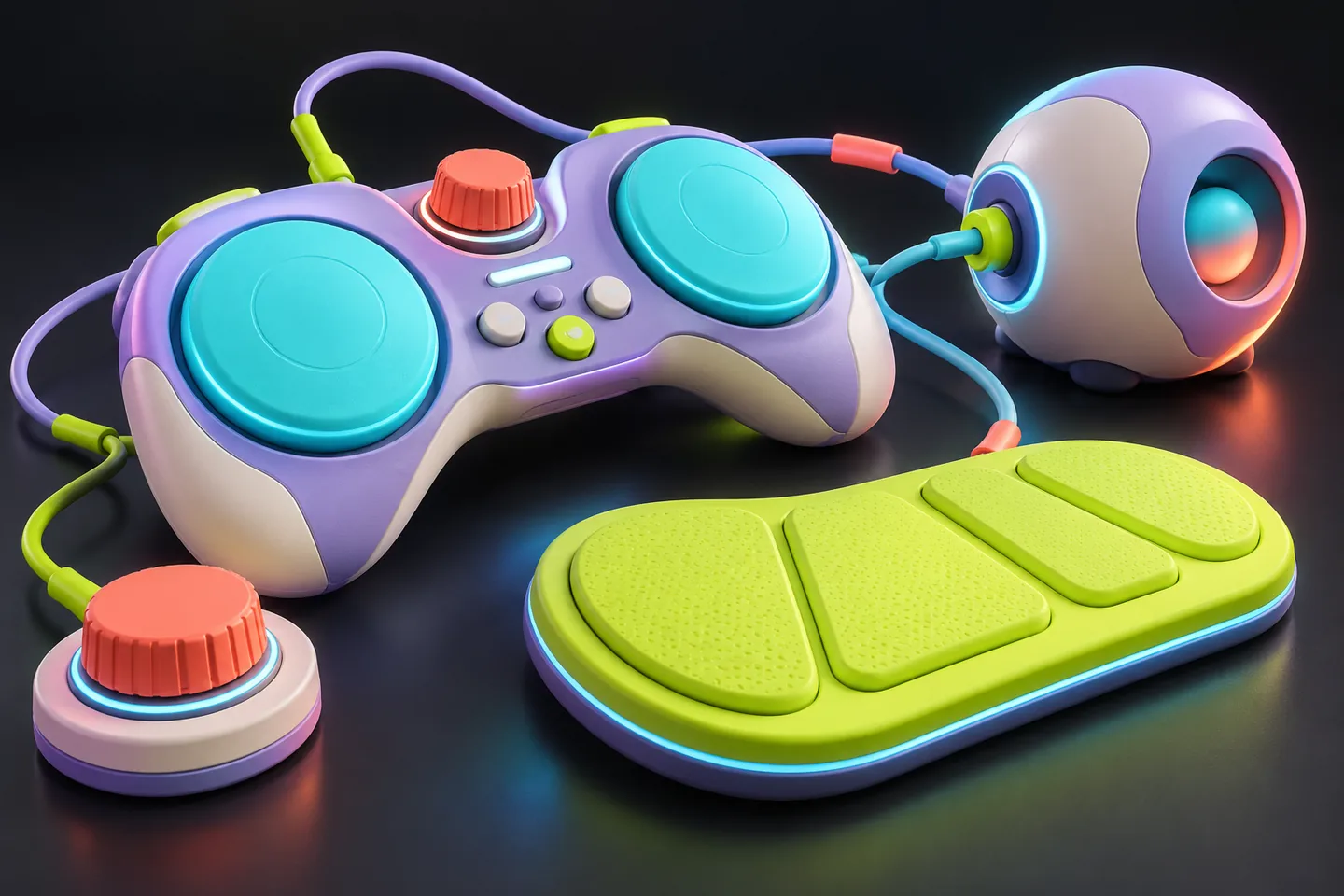
PlayStation's Access controller for PS5 offers swappable button and stick caps, an adjustable stick arm, configurable mappings and four 3.5mm expansion ports for compatible additional inputs. Its hardware choices address positioning and operation, while the game's own software still determines what an action does.
A comfortable external button cannot supply a caption the game lacks. Conversely, a well-designed caption does not place an unreachable input within reach. Consider the hardware, console configuration and individual game as interacting parts of the same setup.
Describe a complete combination rather than a score
A useful accessibility description might specify readable cues, a reachable input and the desired encounter settings separately. That helps another player judge whether an example resembles their needs. A large count of options provides less information about one particular activity.
These first-party examples were checked on October 19, 2026, using English US documentation. They illustrate available approaches, not a certification, a new feature announcement or a hands-on evaluation of every edition. Check the game version, language and hardware compatibility when applying them.
Keep exploring
Sources & further reading
- PlayStation: God of War Ragnarök accessibility options ↗
- PlayStation: The Last of Us Part II accessibility and difficulty ↗
- PlayStation: Access controller for PS5 ↗
Have a correction? Tell our editorial team.