Rainbow Six Siege Adds More Flexible Input Remapping
Ubisoft details Siege’s Y11S3 input remapping, Press, Hold and Toggle controls, plus a clearer Accessibility section and important scope limits.
What Ubisoft says has shipped
In a September 16, 2026 accessibility spotlight, Ubisoft described new input remapping delivered with Rainbow Six Siege Year 11 Season 3, which the article dates to September 1. The update includes a redesigned Options menu with a dedicated Accessibility section. This report, published October 16, summarizes the documented features and their practical implications. It is based on the developer’s account, rather than an accessibility certification or hands-on review across different players’ hardware and support needs.
Remapping covers the interaction as well as the button
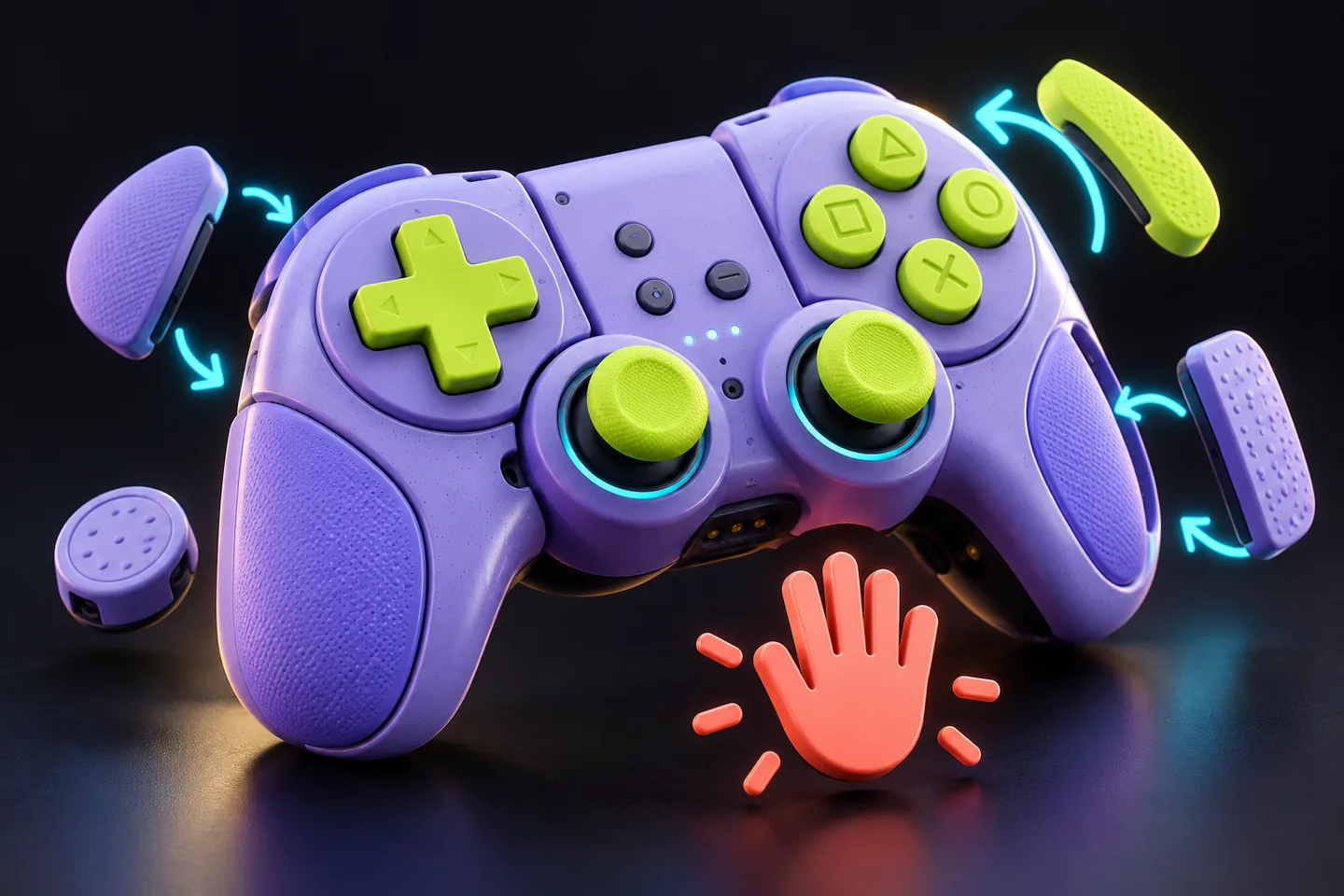
The new interface supports controller and mouse-and-keyboard remapping, multiple key bindings and a visual overview of mappings. Ubisoft also identifies Press, Hold and Toggle interaction choices, plus configurable behavior for deployable and throwable devices. A useful distinction is that moving an action to another button and changing how that action is held or toggled solve different problems. A readable layout alone does not tell you how the action feels during a full match; the interaction type matters too.
Check a complete sequence of actions
Our practical suggestion is to test a small sequence before joining a competitive round. Navigate the menu, move, aim, use an ability or device, cancel it if possible, and return to ordinary movement. Look for conflicts between controls that are comfortable individually but awkward together. Change one mapping at a time and keep a record of the original configuration. This is a suggested setup check, not a procedure we have verified in the game. A configuration should fit the player’s own input method rather than a generic best-settings list.
Visibility and sound remain separate questions
The spotlight also lists existing or expanded options for team colors, visual intensity, text presentation, audio levels and communication. We are not presenting every listed option as newly introduced in September. A control change does not automatically solve a visual barrier, and a color option does not replace information conveyed by sound. Start with the task that is difficult to perceive or perform, then inspect the relevant setting. A broad accessibility label is less useful than a clear explanation of the barrier a feature addresses.
Separate delivered features from future work
Ubisoft’s interview identifies visual support for sound as an area of future investigation. That statement should not be read as confirmation that a complete sound-visualization system has shipped. Likewise, a commitment to continue improvements does not provide a release date for a particular feature. When sharing this news, attach the September spotlight to the input-remapping claim and keep future plans explicitly conditional. This distinction helps players avoid investing time in a setup based on a capability that a developer has only said it wants to explore.
Evaluate the result on your own setup
Check current in-game settings and platform documentation because menus and options can change after an article is published. If a binding appears unavailable, record the platform, game version and input device before seeking support. No single control scheme will suit everyone, and this report does not promise that the listed changes remove every access barrier. The significant documented step is more choice over both mapping and interaction behavior. Whether those choices make a particular activity workable remains a question for the player and the exact setup they use.
Sources & further reading
- Ubisoft: Rainbow Six Siege Accessibility Spotlight (September 16, 2026) ↗
- Ubisoft: Rainbow Six Siege official site ↗
Have a correction? Tell our editorial team.