Gyro Aiming on Consoles: Separate Motion, Sticks and Aim Assist
Understand gyro aiming on consoles through Fortnite and Splatoon 3: separate controller motion, flick stick, sensitivity and game-specific aim assist rules.
Identify the source of the camera movement
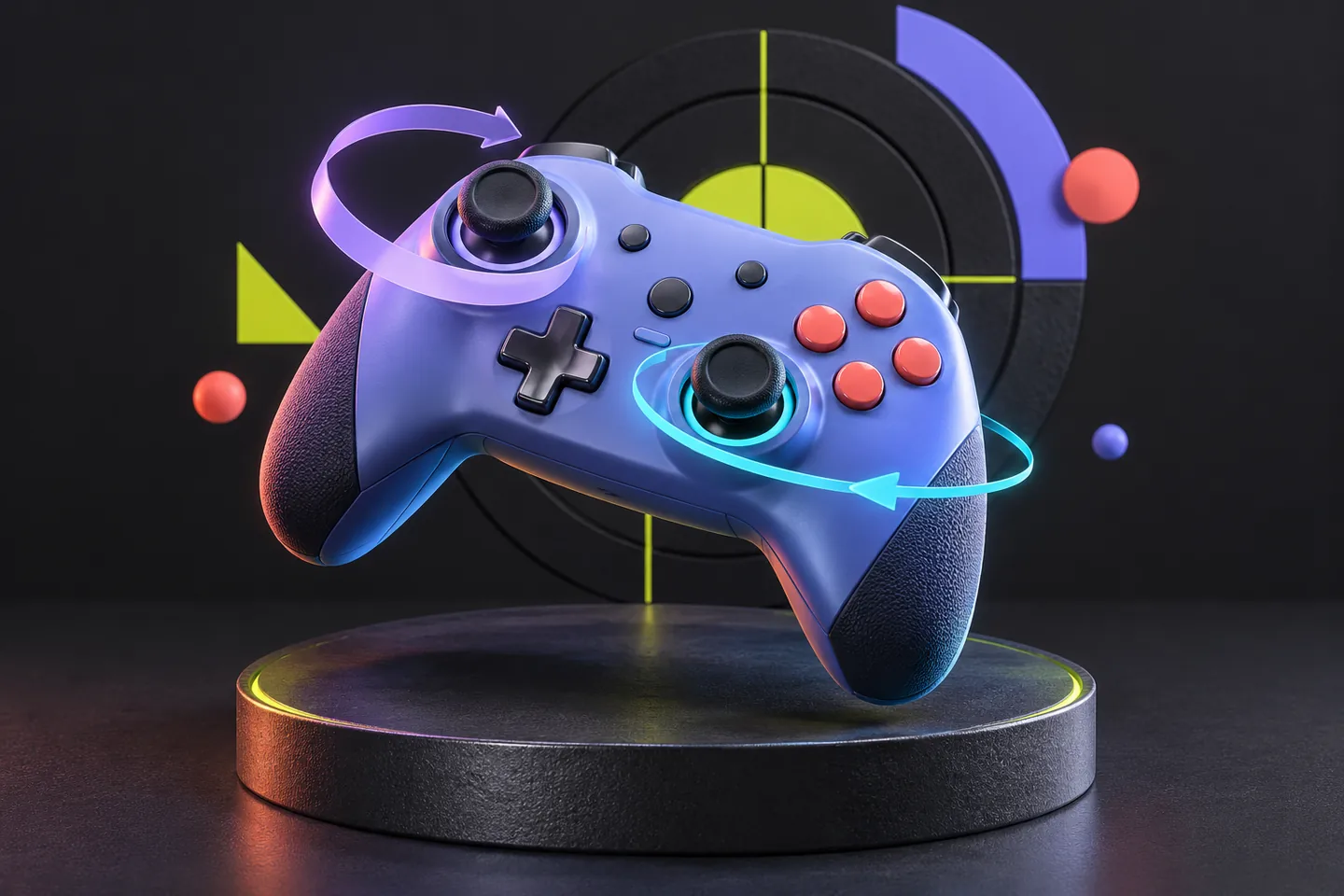
Gyro aiming on consoles uses movement of a supported controller as camera input. A small rotation can adjust where the player looks or aims. Understanding that mapping helps explain why a familiar stick setup feels different after a motion option is enabled: the camera now receives another kind of physical input.
Imagine looking slightly to the left of a stationary sign. Turning toward it, making a final correction and keeping the controller comfortable are separate actions. A control scheme can assign those jobs differently. Read which action each input performs before interpreting a setting's name as a promise of better results.
Attach support to the game and controller
Epic's February 15, 2022 explanation of Fortnite v19.30 names PlayStation's DualShock 4 and DualSense controllers for gyro, plus Nintendo Switch's Joy-Con and Pro Controller. These are established examples, checked against currently available official guidance on October 29, 2026. Keep the PS4 or PS5 controller model attached to the console setup.
That combination matters: a controller's sensors and a game's interpretation belong in the same description. Owning a particular console does not establish what every installed game exposes. Keep the exact controller and title beside the option you are investigating, especially when moving between games whose menus use similar motion terminology.
Flick stick changes the right stick's job
Fortnite's explanation allows gyro to supplement ordinary stick aiming. It also documents activation conditions and a way to suspend motion input while repositioning the controller. Flick stick is a separate choice: pointing the right stick turns the view toward that direction. Because that mapping removes vertical aiming from the stick, Epic requires gyro alongside it.
Consider an elevated doorway. With ordinary stick controls, the familiar vertical input may still be available; with the documented flick-stick arrangement, motion supplies that adjustment. Enabling both options together therefore changes more than sensitivity. First establish which input owns each camera direction.
Read the aim-assist rule separately
Epic's current Fortnite support page confirms that aim assist is disabled whenever gyro is active. Its controller sensitivity instructions and its gyro toggle instructions describe separate settings. This is a specific interaction documented for Fortnite; it supplies no rule about how another game's assistance behaves.
A player moving from assisted stick input to active gyro has changed both the input method and the assistance condition. A different result cannot identify which change explains it. Describe both states when discussing the experience. Calling a motion option additional aim assist would obscure the documented relationship and invite an inaccurate comparison.
Splatoon 3 illustrates sensitivity without a universal number
Nintendo's August 26, 2024 Splatoon 3 guide recommends modest controller movement and identifies Motion-Control Sensitivity in Options, including lowering it when screen shake is bothersome. Its stated information date is April 1, 2024, and its controller scope is Joy-Con Grip or Pro Controller on Nintendo Switch.
That advice connects movement and screen response without specifying one ideal value. A hypothetical player who comfortably makes a small adjustment and another who repeatedly moves past their intended point are describing different observations. Copying a number between games would skip the question of what each slider controls. Nintendo's guidance does not establish identical behavior for another title or controller configuration.
Describe a complete input arrangement
Write a short configuration description that another player could understand: game, platform, controller, when motion activates, how the view moves vertically and what the developer says about assistance. Epic's current toggle guidance places gyro under Touch and Motion, then Gyro Options. Use the applicable menu rather than assuming every game's controls share that route.
The resulting description might specify ordinary stick turning with motion available during aiming, or a flick-stick arrangement with motion responsible for vertical movement. Those are meaningful differences before anyone measures accuracy. Choose the arrangement you can operate comfortably, and keep competitive performance, personal preference and documented input behavior as distinct claims.
Keep exploring
Sources & further reading
- Epic Games: Fortnite gyro aiming and flick stick, February 15, 2022 ↗
- Epic Games Support: Current Fortnite gyro settings ↗
- Epic Games Support: Aim assist is disabled while gyro is active ↗
- Nintendo: Splatoon 3 beginner weapon guide and motion-control advice, August 26, 2024 ↗
Have a correction? Tell our editorial team.