Switch 2 Mouse Controls: Aim With One Hand, Steer With Two
Switch 2 mouse controls can aim with one Joy-Con 2 or drive two wheels. Compare Metroid Prime 4 and Drag x Drive, then check your surface and settings.
The game decides what a slide controls
Switch 2 mouse controls let a player slide a Joy-Con 2 across a surface and use that movement in supported software. Nintendo also documents mouse input in the console’s HOME Menu. Once a game receives that movement, its own controls determine what the slide does.
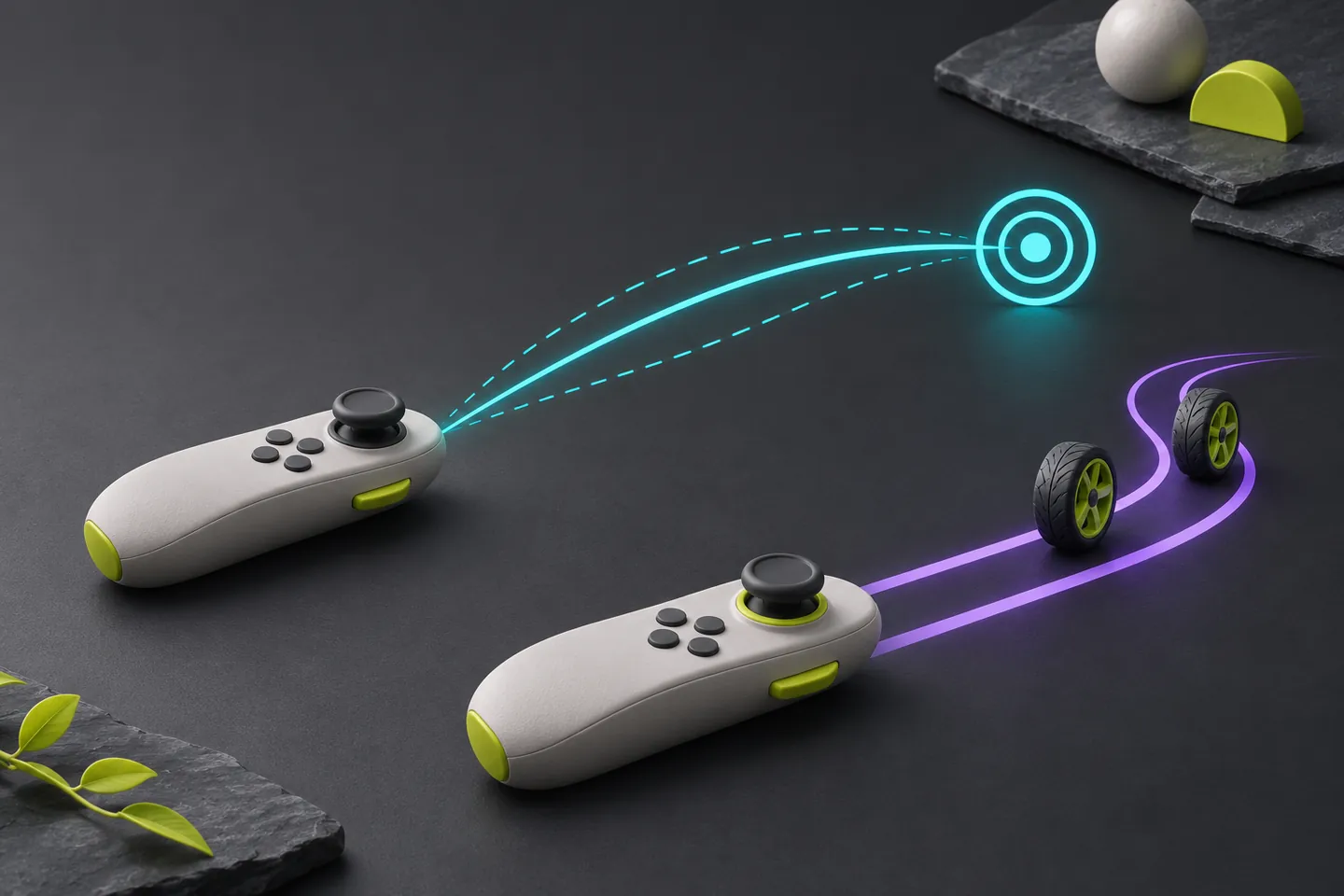
Think about where each hand needs to be before choosing a setup. Metroid Prime 4: Beyond uses the right controller for mouse aiming in its Nintendo Switch 2 Edition. Drag x Drive puts a wheel under each hand. Those assignments shape how much space each controller needs.
Metroid Prime 4 puts mouse aiming in the right hand
Nintendo’s UK guide for Metroid Prime 4: Beyond – Nintendo Switch 2 Edition names Dual Stick Fusion and Pointer Fusion. In Pointer Fusion, the left stick handles movement and motion handles aiming. The guide says putting the right Joy-Con 2 on a surface engages mouse controls from either mode.
Imagine wanting to walk through a doorway while lining up the view on a nearby object. The right hand needs a place to slide while the left hand can reach its movement control. Check the edition on your console before arranging the setup. Nintendo’s Americas guide lists mouse aiming among the additions in the Switch 2 Edition Upgrade Pack.
Drag x Drive assigns a wheel to each hand
Drag x Drive uses both Joy-Con 2 controllers as mice to drive its wheels. Moving both forward propels the player ahead. Moving one alone makes the player pivot. Nintendo’s US listing also describes raising a controller and flicking the wrist to shoot, and lists TV and tabletop play.
In Nintendo’s developer interview, director Konishi describes tying the physical inputs to the movement of the wheels. Imagine approaching the basket in a straight line before turning toward a teammate. Leave some space at the end of the straight push so the controller you need for the turn can still travel.
Give each sliding hand a clear path
Nintendo’s Americas support guide says to attach the Joy-Con 2 straps for mouse use and choose a flat surface. Reflective glass and uneven surfaces can interfere with tracking. A clear section of a table gives the controller room to move through a short stroke.
In an imagined tabletop setup, a clear area beside the right hand may fit a short aiming sweep. For wheel control, consider where both hands will start and end when you push forward together. Move the display and any objects out of those paths before starting a match.
Check the console setting when movement goes missing
Nintendo’s troubleshooting guide places the Joy-Con 2 Mouse Controls toggle under Controllers & Accessories in System Settings. It lists High, Medium and Low under Mouse Sensitivity. Try a flat surface and check whether movement registers on the HOME Menu before comparing settings inside the game.
If you can navigate the HOME Menu, check what the title assigns to mouse input and whether the selected edition supports it. A working menu cursor gives you one observation about the setup. The game’s documentation tells you which action that movement can perform in play.
Try one action at a time
For a proposed Metroid check, choose a stationary detail just off center. Try a short sweep and observe where the detail ends up. Restore the starting view before repeating, so you can see whether another sweep covers a similar distance.
In Drag x Drive, look for a straight approach and a pivot as separate practice actions. Use the same clear surface for both. If one controller reaches the edge during the straight push, its position on the table is a concrete thing to adjust before the next attempt.
Keep exploring
Sources & further reading
- Nintendo of America: Using Joy-Con 2 as a mouse ↗
- Nintendo of America: Mouse control and sensitivity settings ↗
- Nintendo UK: Metroid Prime 4: Beyond Nintendo Switch 2 Edition controls ↗
- Nintendo of America: Metroid Prime 4: Beyond upgrade features ↗
- Nintendo US: Drag x Drive controls and play modes ↗
- Nintendo: Ask the Developer, Drag x Drive part two ↗
Have a correction? Tell our editorial team.