Hold and Toggle Controls: Check How an Action Starts and Ends
Compare hold and toggle controls in God of War Ragnarök and The Last of Us Part II, including blocking, crafting and a toggle that still starts with a hold.
Follow the action through to its end
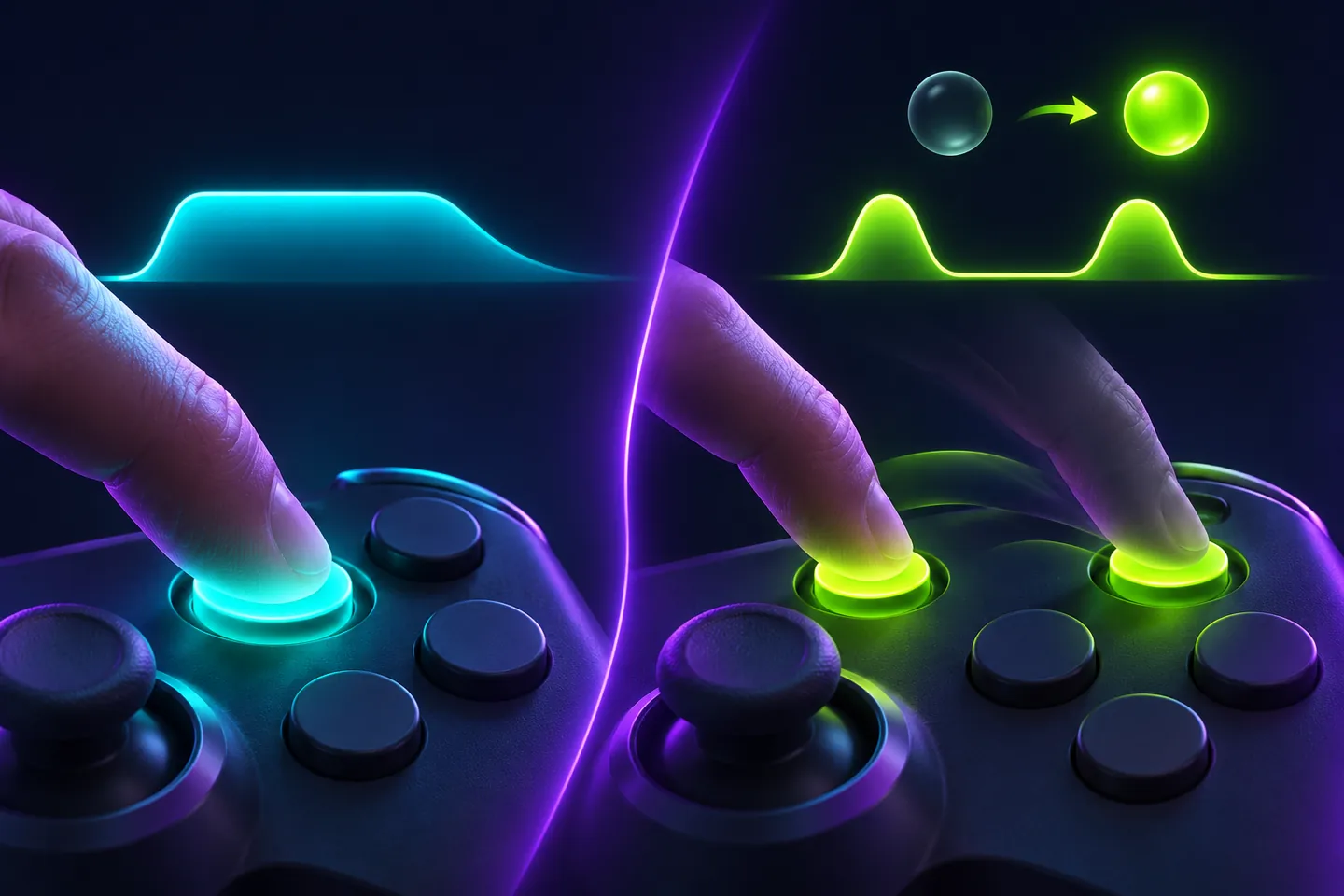
Hold and toggle controls change how you keep an action active and tell the game to stop it. God of War Ragnarök and The Last of Us Part II provide useful examples because their guides describe both ends of the input.
Imagine lifting a finger because you want to stop blocking, then realizing the character is still blocking. Before changing buttons, check what the selected input style expects you to do next. The moment when your finger leaves the button deserves its own question.
Ragnarök makes release and a second press different commands
God of War Ragnarök’s Block Style uses L1 in Sony’s documented layout. Hold keeps blocking active while the button is held, then release stops it. Toggle starts blocking with a press and stops it with another press.
For a practice check, choose the moment when you intend to lower the shield. With Hold, connect that moment to releasing L1. With Toggle, connect it to the next press. Look for whether the action ends when you meant it to end before trying a longer sequence.
Crafting has a cancellation input to learn
Sony’s accessibility reference gives Crafting in The Last of Us Part II a Hold or Toggle choice. Hold uses X to start crafting and releasing it cancels. Toggle uses a tap of X to start, then another tap to cancel.
Consider a planned session in which you want to be able to interrupt a crafting attempt. Locate the cancellation input before starting the attempt. Once the operation has completed, that is a different situation from cancelling it while it is underway. Keep the intended stopping point clear.
A toggle can still begin with a hold
The same guide’s Backpack Weapon Swap option shows why the label needs its description. In Hold, holding Square enters weapon swapping and release exits. In Toggle, you still hold Square to enter, then tap to exit.
If your question is whether you can open that function with a quick tap, the documented Toggle option leaves an initial hold in place. Write the entry and exit gestures separately. That makes it easier to spot which part of the action still needs another solution.
Replacing repeated taps is another choice
Ragnarök’s Repeated Button Presses option lets a prompted sequence progress through repeated taps or a held button. Here, selecting Hold changes the way you advance the prompt. It is a separate setting from Block Style.
Picture two awkward actions: keeping a shield raised while steering, and repeatedly pressing a button during a prompt. List them separately when inspecting the menu. Try the relevant setting for each, then check the following action so a comfortable gesture also leaves you ready to continue.
Keep the setting beside the button name
A short control note can name the action, its entry input and its exit input. Add whether releasing the button ends it. If you change the binding, update the note so the gesture and the physical control remain connected.
These established examples were checked in Sony’s US guides on November 23, 2026. The Last of Us Part II example uses the original PS4 game’s documentation. Follow the displayed layouts when comparing these commands, then inspect the scheme selected in your own game.
Keep exploring
Sources & further reading
- PlayStation: God of War Ragnarök accessibility options, including Block Style and Repeated Button Presses ↗
- PlayStation: The Last of Us Part II accessibility options, including Crafting and Backpack Weapon Swap ↗
- US PlayStation Store: the original PS4 edition of The Last of Us Part II ↗
Have a correction? Tell our editorial team.