DualSense Haptic Feedback and Adaptive Triggers on PS5
See how DualSense haptic feedback and adaptive triggers work in Astro Bot and Returnal, then learn which PS5 setting changes each kind of feedback.
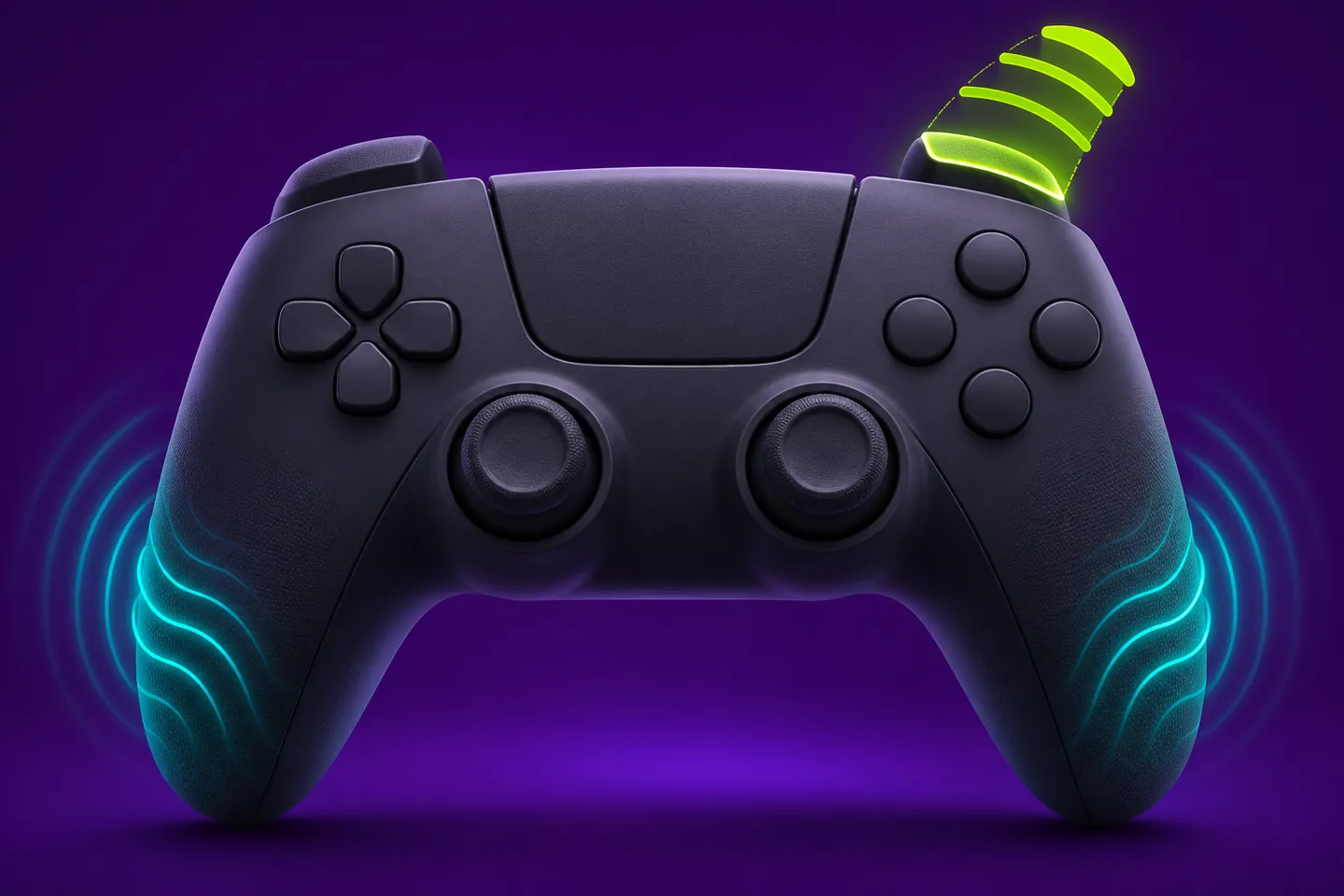
Feel vibration in the controller and resistance at the trigger
DualSense haptic feedback can produce different vibration patterns in your hands. Adaptive triggers can change the force you feel when pressing them. PlayStation describes the two features separately, and a game can use both in one action.
Picture a game that pulses when you land and adds tension as you pull a trigger. The pulse reports an event that already happened. The tension arrives during the input, while your finger is still moving. Astro Bot and Returnal show how developers use each sensation.
Astro Bot gives surfaces and movement different textures
Team Asobi describes tactile differences as Astro runs and slides across surfaces such as grass, sand and metal. Imagine keeping the same running motion while crossing from a soft patch onto a metal walkway. The change in vibration can mark the change under Astro's feet.
The studio also describes combining haptics with adaptive triggers for Astro's powers. Barkster, the bulldog booster, gives the trigger finger a flutter timed to the thruster animation. PlayStation names Building Speed as a level where Astro uses Barkster to cross a city.
Returnal gives a recharge its own pulse
The Returnal team describes small pulses that accompany rain on Atropos. It also describes a distinct pulse when an alternate firing ability finishes recharging, alongside sound and an on-screen cue.
The timing explains what each pattern can communicate. Rain can continue while Selene moves through a scene. The recharge cue marks a change at a particular moment. If you are following the cooldown, the audio and display give you two other places to look for that change.
Returnal uses two depths of the same trigger
In Returnal's documented default control scheme on PS5, pressing L2 halfway aims down sights. Squeezing L2 all the way selects the alternate fire mode. Housemarque describes a click at the halfway point that helps you feel when the trigger reaches it.
Think of the position of your finger as part of the input. The resistance helps you feel where you are in the press, while the recharge pulse described above tells you when the alternate ability is ready. Those sensations answer different questions during the same encounter.
Check what the game supports with effects turned off
The US PlayStation Store lists Astro Bot as playable with controller vibration disabled. It separately lists play with adaptive trigger resistance disabled. Those entries describe options for the PS5 edition.
If you like the texture changes while Astro runs but prefer less pressure at the trigger, check the trigger setting first. Keep vibration at your current level while you see how the change feels during a Barkster boost.
Change one intensity setting at a time
On PS5, open Settings, then Accessories and Controller (General). PlayStation documents separate Vibration Intensity and Trigger Effect Intensity options. The vibration option adjusts the response in your hands. The trigger option adjusts the trigger effect in supported games.
Repeat a familiar movement after adjusting one setting. A short run across the same surface can help you judge a vibration change. Use a familiar power-up action when comparing trigger resistance.
Keep exploring
Sources & further reading
- PlayStation DualSense controller features ↗
- Team Asobi on Astro Bot's DualSense effects ↗
- PlayStation's Astro Bot overview and Building Speed example ↗
- Housemarque and PlayStation sound design on Returnal's haptic cues ↗
- Housemarque's Returnal default control scheme ↗
- PlayStation Store accessibility features for Astro Bot ↗
- PlayStation Support on general PS5 controller settings ↗
Have a correction? Tell our editorial team.