Console Controller Assist: Two Controllers, One Player
Console controller assist links two devices for one player. See how PS5 pairs a second controller and how Xbox shows a shared setup in Minecraft.
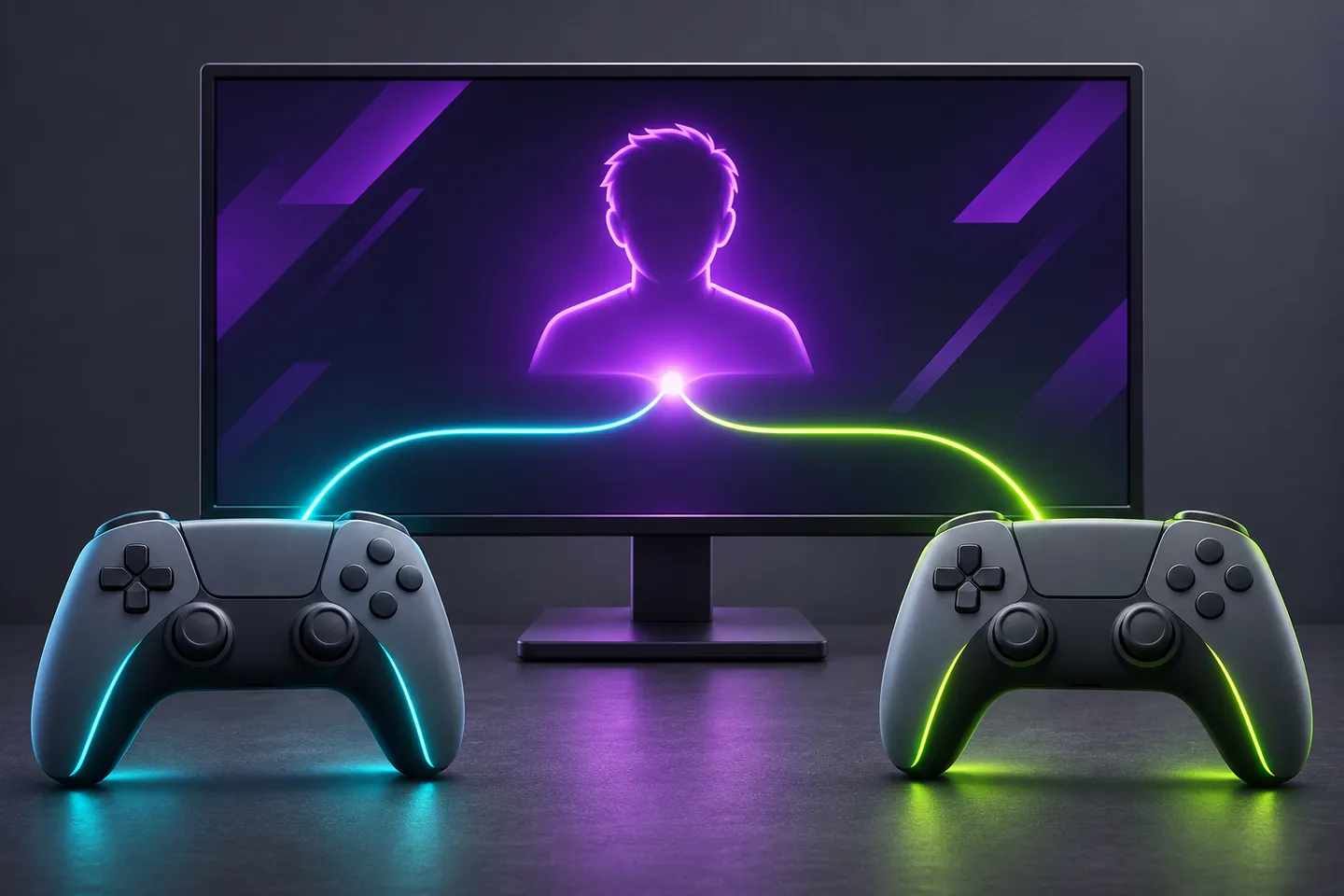
Both devices act on the same player
Console controller assist lets two devices operate as one controller. The person holding the second device can help with an input while both devices remain attached to the same player. One person can also use a combination of devices to reach the controls they need.
Imagine steering a character toward a ledge while a friend helps with the jump button. The character takes the step and makes the jump. In a local co-op mode with two player slots, each person can instead have their own character to steer. Decide which arrangement the session calls for before pairing the controllers.
Assign both PS5 controllers to the same user
With two compatible controllers paired to the PS5, go to Accessibility in Settings and open Controllers. Choose Use Second Controller for Assistance and enable Use Assist Controller.
Press the PS button on the main controller and choose the user who will play. Then press the PS button on the second controller and pick that same user. The choice of user is what connects both controllers to the same seat.
Keep the features you need on the main controller
Sony lists DualSense Edge as a main controller only for this feature. It also says the assist controller lacks haptic feedback, adaptive triggers, microphone functions and custom button assignments. If a particular vibration cue matters to the player, check which controller they will hold.
Sony documents a separate arrangement for Access controllers. A player can combine an Access controller with a DualSense or use two Access controllers alongside a DualSense. That gives someone who plays alone a way to place controls on different devices within reach.
Xbox shows a shared setup in Minecraft
Xbox calls its linking feature Controller Assist. Older Xbox material calls it Copilot. The current Xbox accessibility page illustrates a Wireless Controller linked to an Adaptive Joystick for Minecraft. Xbox lists the wired Adaptive Joystick as compatible with the Xbox One family as well as Series X and Series S.
Imagine one person lining up a block placement and asking a partner to handle the trigger. Mojang's controller guide identifies the left trigger as the placement input when a suitable item is held and the crosshair is aimed at a surface. The two people would divide the steps of one placement.
Decide who acts when the inputs meet
Agree on the moment when help starts. In the Minecraft example, the person aiming can say “place” once the crosshair is steady. The partner can wait for that cue and then tap the trigger.
Try the sequence on a clear patch of ground. If the view moves while the other person presses the trigger, let the person aiming bring it back before trying again. A shared character gives both people the same result to inspect.
Make it easy for the player to take over
Choose one action that the second controller will handle. Ask the person playing when they want that help and when they want it to stop. For an occasional jump, agree on a cue for one press, then let the button go and wait for the next cue.
If the goal is to make two devices comfortable for one person, arrange both within reach and try the same action without moving either device. Then try the next action that depends on it. An easy button press is most useful when the player can also reach what comes after it.
Keep exploring
Sources & further reading
- PlayStation Support on using a second controller for assistance ↗
- PlayStation Support on combining Access controllers and DualSense ↗
- Xbox accessibility features and the Minecraft Controller Assist example ↗
- Xbox Adaptive Joystick compatibility and connectivity ↗
- Xbox Wire on the Controller Assist name and Adaptive Joystick ↗
- Mojang's Minecraft controls guide ↗
Have a correction? Tell our editorial team.