Juicy Game Design: What Haptic Feedback Studies Show
Explore juicy game design through haptic feedback research: what a mobile Breakout experiment found, why stronger vibration is not a universal upgrade.
Juicy game design asks what feedback adds
Juicy game design often adds several responses to one action: particles, movement, sound or vibration. The research question is whether those additions change the experience, and whether adding more keeps helping. A 2021 study by Tanay Singhal and Oliver Schneider investigated decorative haptic feedback that reinforces information already available through another channel.
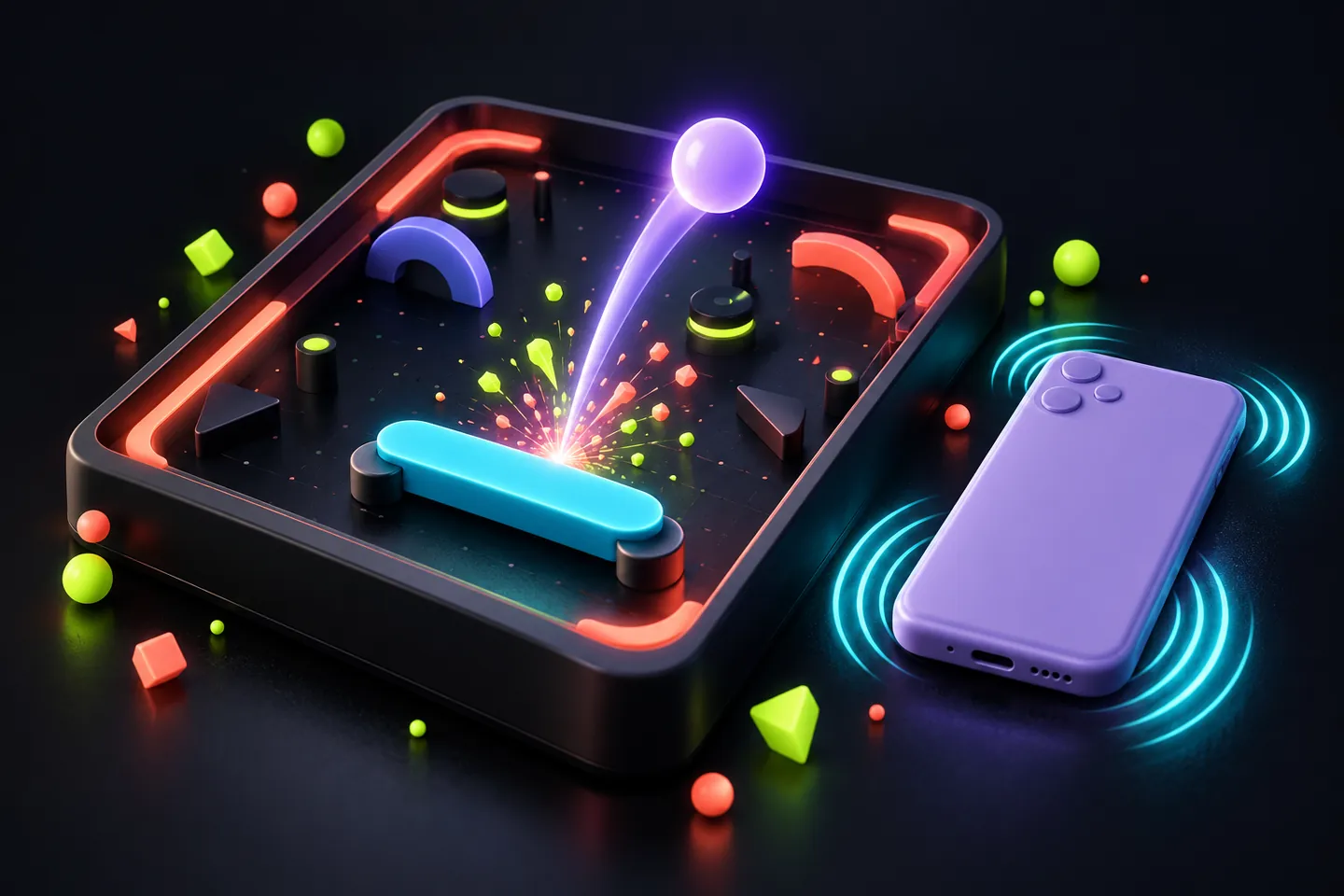
Imagine a ball hitting a paddle. Its changed direction already shows the collision; a brief pulse can emphasize that same event. Our example separates the game's rule from the presentation surrounding it. Changing paddle width would alter the challenge, so it would answer a different question from adding vibration while leaving the collision rules intact.
The researchers compared six mobile conditions
After a 26-participant animation-preference study, the researchers ran a 38-participant Breakout-style experiment on iPhones. Participants played six conditions in randomized order: two levels of visual embellishment crossed with three haptic conditions, none, low and high. Questionnaires measured player and haptic experience after play.
Separating the two factors matters. A comparison that changes vibration and visuals together cannot easily tell you which change explains a response. Here, the design allowed those factors to be examined separately and in combination. It also let each person experience multiple versions, rather than comparing unrelated groups playing completely different games.
Adding vibration and increasing it are different claims
Haptic feedback improved ratings including enjoyability, aesthetic appeal, immersion and meaning. However, low and high haptic embellishment generally did not differ significantly; haptic expressivity was an exception. The authors' laboratory summary makes that distinction explicit.
A useful reading is that a feature's presence can matter without establishing a simple intensity ladder. A non-significant difference also does not prove two settings are exactly equivalent. For a designer, the result supports investigating the role of feedback, while leaving open how strong, long or frequent it should be in a particular game.
Build a comparison that preserves the same game
For an original prototype, keep the ball speed, paddle, scoring and level identical. Make one version with a collision pulse and another without it. Ask separate questions: was contact easy to recognize, was the response pleasant, and did either version become tiring? This is a proposed design exercise, not an experiment conducted by ProjectGAMR or a promised reproduction of the paper.
If a tester says the pulsing version feels better, preserve the observation in its own terms. A preference report does not establish a higher score or more accurate play. If performance is also a question, record misses or another defined outcome separately. Do not substitute an enjoyment answer for a performance measurement.
Keep the hardware and task limits attached
These findings concern phone vibration and one Breakout-style game. The paper identifies both the narrow game context and the unexplored range of other haptic modalities as limitations. It does not establish the same response for force-feedback equipment, every controller or every genre.
A competitive shooter, a quiet puzzle and a driving simulator create different moments for feedback. Treat a result from one of them as a reason to formulate a comparison in another, rather than a ready-made setting to copy. Likewise, an experience rating from a short study cannot settle whether an effect remains welcome across many evenings of play.
Give players a useful choice, then evaluate the result
Our design suggestion is to provide a clear vibration control when a game supports it and to explain which events trigger a pulse. A player should be able to compare a setting without guessing what changed. Keep essential state information understandable when decorative feedback is disabled; otherwise the comparison also changes access to game information.
The linked research is older evidence, not a new October 2026 announcement. Its value is a more precise question about game feel: what did this added response contribute, for these players, on this hardware? That question is more useful than assuming either that all extra feedback is distracting or that the strongest available setting must be best.
Keep exploring
Sources & further reading
- Singhal and Schneider (CHI 2021): Juicy Haptic Design, original paper ↗
- University of Waterloo Haptic Experience Lab: study design and results summary ↗
Have a correction? Tell our editorial team.