Warzone on Switch 2 Is Live With Season 1
Warzone on Switch 2 launched with Season 1. Check the free Nintendo listing, the Hajin and Zodiac maps, and what changed for PS4 and Xbox One players.
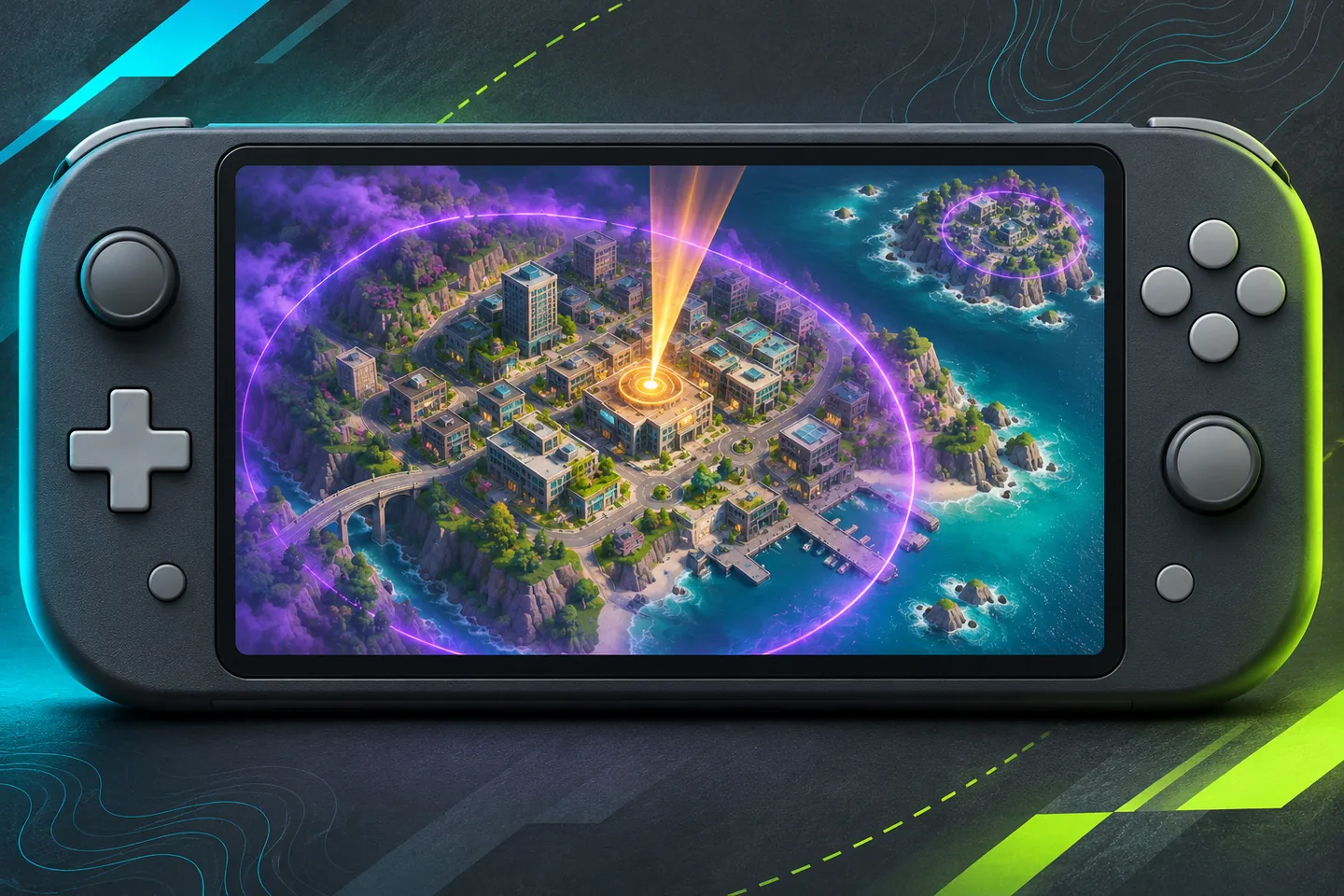
Nintendo confirms the Switch 2 release
Call of Duty: Warzone on Switch 2 is available as a free download. Nintendo dates the release November 6 in its US and Mexico stores, which both list the game at a regular price of zero. Activision announced the rollout on November 2 and set the Season 1 start for midnight Eastern on November 6, or 9 p.m. Pacific on November 5.
The Nintendo listing identifies the title as a Switch 2 game. On the store’s new releases page, look for Call of Duty: Warzone under that platform. Modern Warfare 4 Standard Edition has its own paid listing. The season connects the two games, and the Warzone download is available on its own.
Hajin and Zodiac are built for different modes
The update brings a large Battle Royale map called Hajin, set on the Korean Peninsula. The second map, Zodiac, is a smaller Resurgence arena built around a drone manufacturing complex. Activision names both maps in its Switch 2 launch announcement.
For a first match with friends, pick the mode before choosing where to land. A squad looking to learn the large Battle Royale map should look for Hajin. A group looking for the compact Resurgence map should look for Zodiac. Check the map name on the playlist tile before you queue, since the menu can rotate its choices.
PS4 and Xbox One support ended at Season 1
Raven Software’s release notes say PlayStation 4 and Xbox One lost Warzone support at the start of Season 1. The same notes say players can continue their progress on a supported platform by signing in with the same linked Activision account.
If you are moving from one of those consoles, check which Activision account your previous platform used before you sign in on the new system. After signing in, compare the account profile you see with the one you expected before choosing a playlist.
Private Match is off for this season
Raven lists Private Match as disabled for Season 1. That matters if your group used private lobbies to learn a map together. Regular matchmaking and a private session are different options, so decide how you plan to play before inviting a group.
November 7 brought an audio and XP update
The developer’s November 7 notes say teammate footsteps were made quieter. Raven also says it adjusted XP gains across modes to the intended values. If you compare a match to a launch-day recording, use the later notes to distinguish a documented update from a change in your audio setup.
What to check before the first match
Start with the regional listing for your Switch 2 download, then use the current Raven notes for platform support and playlist changes. If you are switching systems, confirm the linked account before you start playing. Those checks cover three separate decisions about what to install, which progress profile to use and which match you want to join.
Keep exploring
Sources & further reading
- Activision · November 2 Season 1 announcement and rollout time ↗
- Raven Software · November 5 and 7 Warzone Season 1 patch notes ↗
- Nintendo US · Switch 2 new releases and regular pricing ↗
- Nintendo Mexico · Switch 2 new releases and regular pricing ↗
Have a correction? Tell our editorial team.