Sea Battle Checkerboard Strategy: Alternate Search Squares
Use a Sea Battle checkerboard strategy to search for straight ships, then follow an impact into neighboring squares. Includes a tested two-cell example.
Give your search an alternating pattern
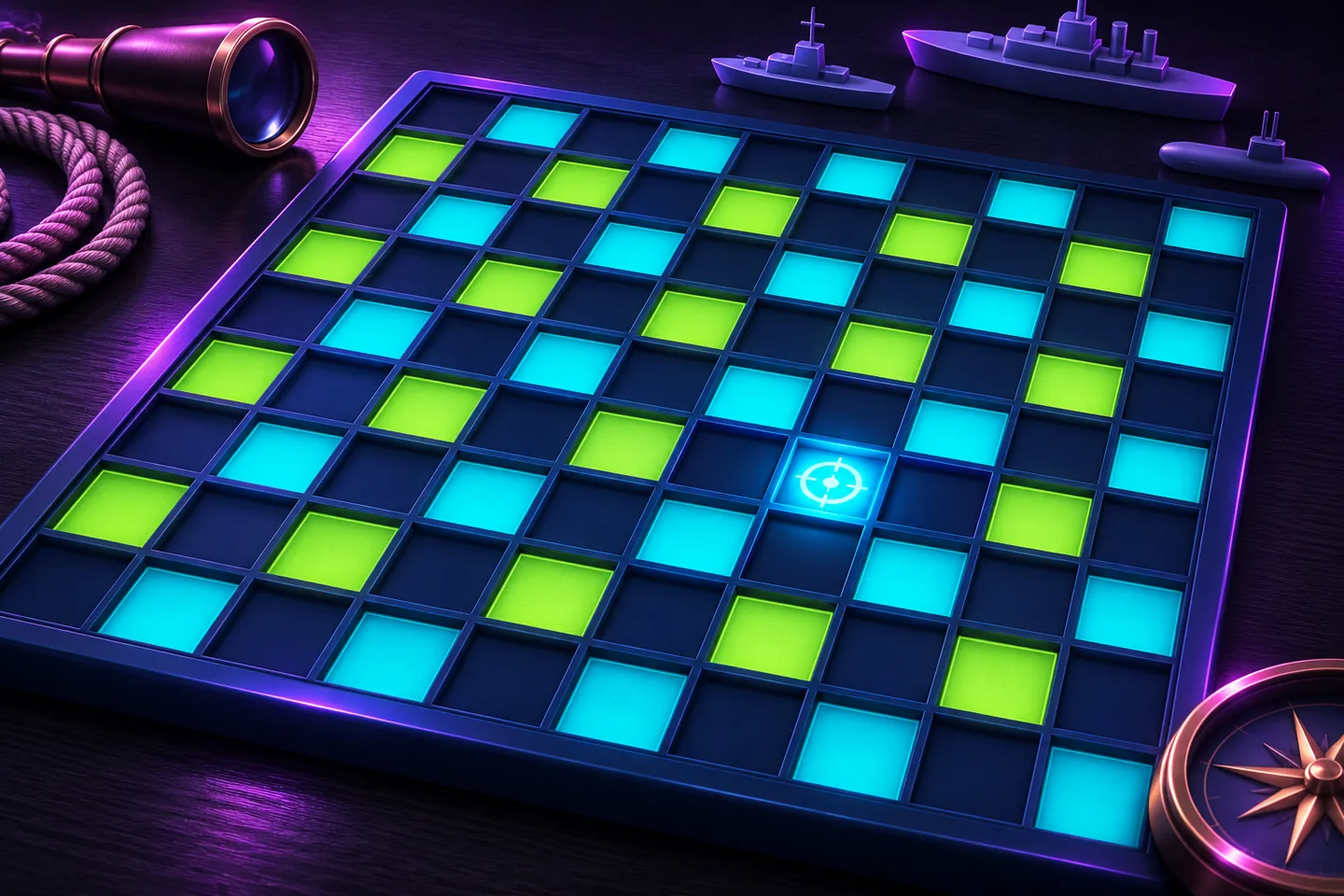
A Sea Battle checkerboard strategy starts with half the squares in Enemy waters. Use row numbers running downward and column numbers running right, each beginning at one. On row 1, search columns 1, 3, 5, 7 and 9. On row 2, search columns 2, 4, 6, 8 and 10. Repeat those alternating rows.
The examples were checked in ProjectGAMR’s solo browser Sea Battle on November 18, 2026. The fleet is placed automatically on a 10-by-10 grid. Its five straight ships occupy five, four, three, three and two squares.
Use the smallest ship to check the spacing
Imagine coloring the grid like a checkerboard. Two squares that share an edge have different colors. Every horizontal or vertical ship of at least two squares therefore touches both colors. Testing all fifty squares of one color would touch every ship.
Hasbro’s original Battleship instructions describe the same five ship lengths and horizontal or vertical placement. For the browser grid, an independent check covered all 600 possible straight placements of lengths two through five. Each included at least one square of the search pattern.
Switch to neighboring squares after a hit
In a checked fleet, row 1, column 1 missed. Row 2, column 2 produced a hit while the display still showed zero ships sunk. That impact gave a place to investigate before continuing across the rest of the pattern.
The next shot at row 2, column 3 missed. A shot at row 3, column 2 then hit and raised the sunk count to one. Those two vertical hits completed a two-square ship. The second hit occupied a square outside the initial checkerboard pattern.
Test a direction before extending the line
After a single hit, neighboring squares that share an edge are candidates for another part of the ship. Try an untested neighbor. A miss rules out extending that particular ship through the missed square, leaving other directions to inspect.
If a neighboring shot hits and the sunk count stays unchanged, inspect untested squares beyond the hit line. You may need to check both ends. Ships can touch in this game, so use the sunk count to check whether your latest shot completed one.
Track search coverage and completed ships
On the test fleet, firing only at the fifty pattern squares hit part of every ship. The sunk count remained zero because each still had at least one untouched square. Following the hits into the other squares completes the ships.
Watch the sunk count when you finish investigating a line, then choose another unresolved hit or return to an untested search square. Previously used squares are disabled, so the marks preserve your record.
Include the computer’s shot in your plan
ProjectGAMR’s computer takes a random shot after each accepted shot while the battle continues. It responds after both a hit and a miss. In the two-square example, the computer had taken four shots after the fourth player shot.
Choose each new square with a purpose. Use alternating squares to look for a ship, then use its nearby hit and miss marks to investigate its extent. The round ends when either fleet is fully sunk.
Keep exploring
Sources & further reading
- ProjectGAMR Sea Battle board and rules ↗
- ProjectGAMR published Sea Battle implementation ↗
- Hasbro-hosted original Battleship instructions ↗
Have a correction? Tell our editorial team.