Planning a Gaming Meetup: Test the Setup Before Inviting Everyone
Plan a small gaming meetup around playable stations, tested equipment, clear turn rules and a venue that supports your actual setup.
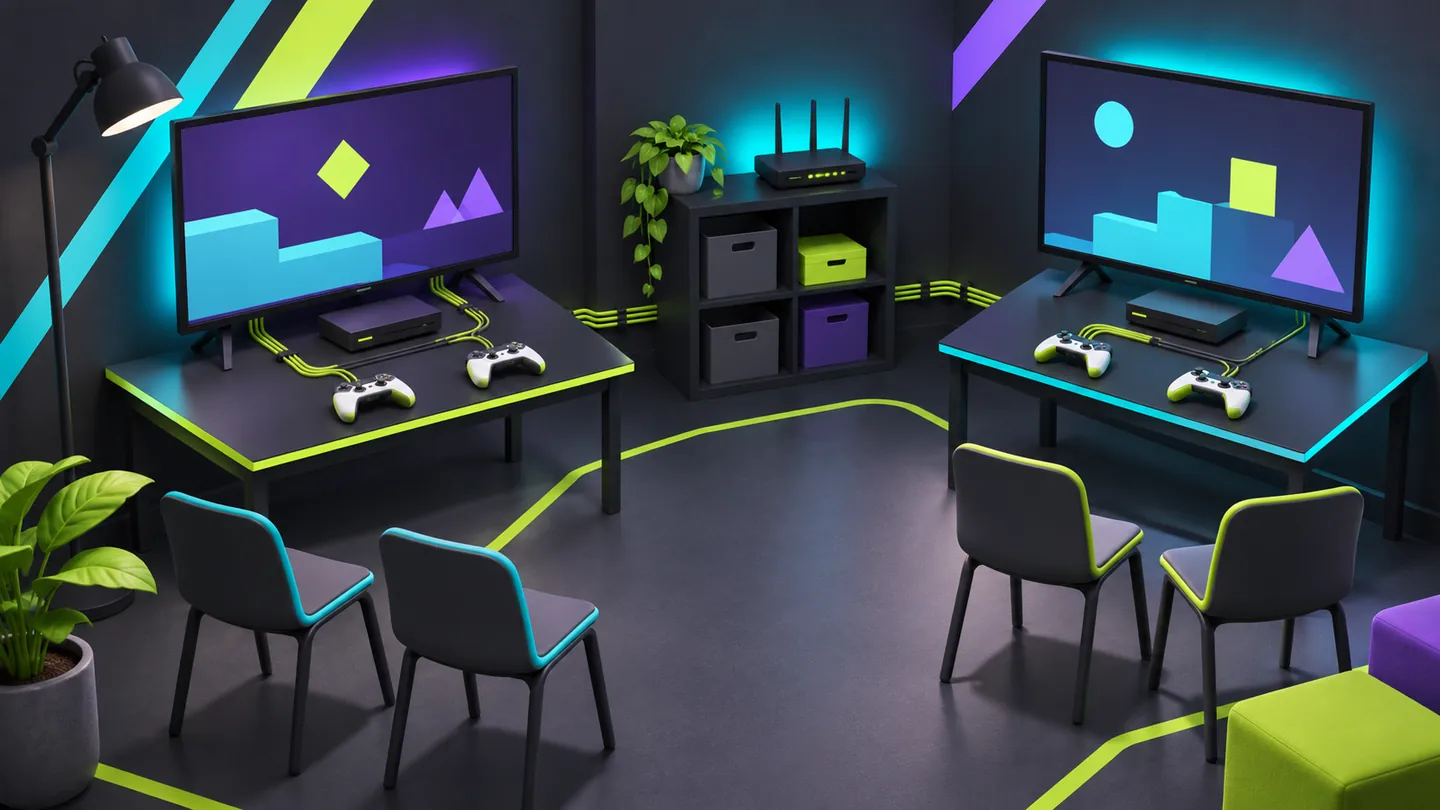
Start with a tested invitation
An in-person gaming meetup works better when the invitation describes something you have already tested. Decide which games people will play, how many can participate at once, and what happens while they wait. Then choose a room that supports that experience, including the equipment, access, and time you need to set it up.
You do not need tournament production to host a small gathering. You do need a plan that connects the games to the space. A beautiful room can still be frustrating if players cannot read the screen, hear instructions, or find a comfortable place to join the next round.
Start with stations, not the guest count
List each playable station: game, platform, screen, controllers, seats, and expected session format. Identify whether participants share one device, connect separate devices locally, or depend on an online service. Those arrangements have different requirements.
For example, a hypothetical meetup could have one cooperative station and one short competitive station. Rather than assuming everyone will play continuously, write down how people rotate and what observers can do. Use a friendly first-round explanation so newcomers are not learning your rules while a timer is already running.
Check the actual title and version on the hardware you intend to bring. A multiplayer label does not confirm your preferred player count, controller combination, or account arrangement. Test those details before promising them in an invitation.
Separate local play from internet-dependent play
A room with Wi-Fi has not automatically passed a gaming test. Ask the venue what connection is available in the event area, who manages it, and whether you may test your complete setup. Do not promise a particular speed, latency, or wired connection before it is confirmed.
Steam's official Remote Play page describes Remote Play Together as sharing supported local multiplayer games over the internet. That is a different arrangement from having everyone use controllers connected to one machine in the room. If remote guests are part of your meetup, test their participation as a separate session.
Prepare an activity that remains useful if an online service becomes unavailable. Confirm that it really works under your intended conditions; a game already installed on a device may still require sign-in, an update, or a service connection. Follow the platform and publisher's current instructions.
Visit with your equipment list
Ask where screens and tables can go, how early you may enter, and how equipment can be unloaded. Show the venue your intended layout. Its staff and qualified technical providers should confirm electrical arrangements and any restrictions; counting visible sockets is not an electrical plan.
If you are organising a gathering in Morelos, Recintos Morelos offers a starting point for identifying spaces and preparing venue enquiries. Confirm the event's requirements directly with each business. A directory listing does not certify networking, equipment, accessibility, or availability.
During a test, stand where the furthest player and an observer will be. Read menus and instructions from those positions. Check the room with the lighting you expect to use, including glare on the display. Keep circulation routes clear according to the venue's instructions.
Make joining and waiting understandable
A simple sign-up sheet or host-managed queue can make the next turn predictable. Tell people how long a session usually lasts, whether teams stay together, and how to request help. Allow some flexibility for beginners rather than assuming that everyone shares the same experience.
Include a lower-pressure place to learn controls if the setup permits it. Choose your programme with the actual group in mind, including age appropriateness and comfort with competitive play. If children attend, agree supervision responsibilities explicitly with their adults and the organiser.
Keep food and drinks in agreed areas away from equipment. Decide who handles borrowed controllers, personal devices, and lost property. These small responsibilities are easier to allocate before the room fills up.
Rehearse the whole arrival-to-exit sequence
Run a short rehearsal covering launch, connection, instructions, a complete round, rotation, and shutdown. Record the setup that worked. Update the invitation if the rehearsal changes the number of stations or the programme.
Give one person responsibility for the running order and another for technical questions when your team allows it. Share the venue contact, access times, and a clear finish time. Leave enough time to pack equipment within the agreed hire period.
The aim is a meetup where people can understand what is happening and find a way to participate. More screens are not necessarily an improvement. A modest, tested programme can give your group a much better evening than an ambitious setup that only exists on a planning sheet.
Keep exploring
Sources & further reading
Have a correction? Tell our editorial team.