PS5 USB Extended Storage: Which Games Can You Play From It?
PS5 USB extended storage can launch PS4 games and hold PS5 games for later. See where to keep Bloodborne and Demon's Souls, and when an M.2 SSD helps.
Check the version of the game you installed
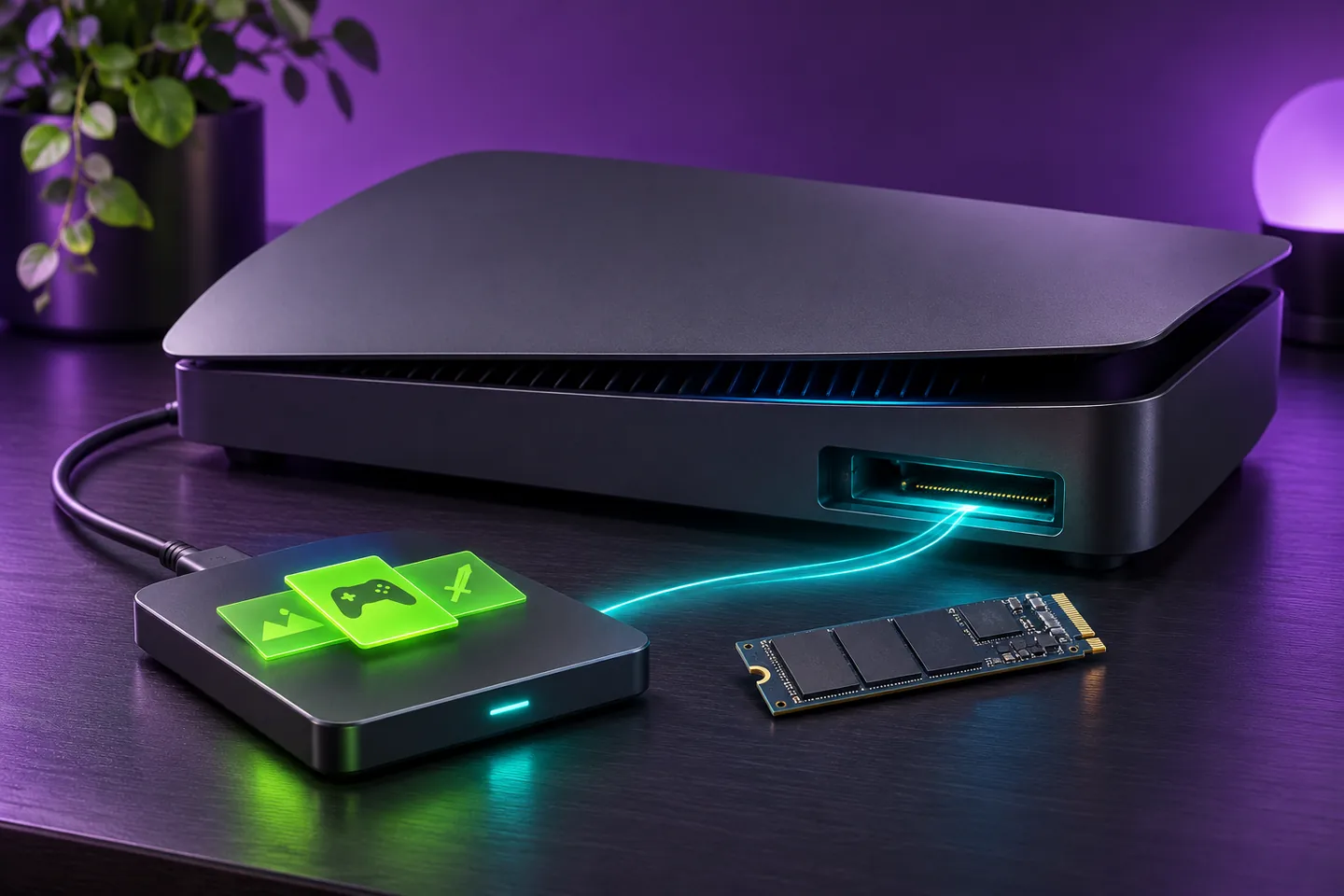
PS5 USB extended storage can hold both PS4 and PS5 game installations. Sony lets you launch compatible PS4 games from that drive. To play a PS5 game stored there, first copy it back to the console's built-in storage or compatible M.2 SSD storage.
Start with the platform shown for the installed copy. A PS4 game running on a PS5 still follows the PS4 storage rule. If you own both editions of a title, check the one you intend to launch before deciding where it should live.
Keep Bloodborne ready to launch from USB
The US PlayStation Store lists Bloodborne as a PS4 game playable on PS5. That makes this edition an example of a game you can keep on a compatible USB drive and launch directly on a PS5.
Suppose you alternate between Bloodborne and a game made for PS5. You can put Bloodborne on USB extended storage and leave more room on the built-in drive for the PS5 title. Sony also lets you set USB extended storage as the default installation location for PS4 games.
Copy Demon's Souls back before playing
The US listing for the Demon's Souls remake identifies it as a PS5 game. You can move its installation to USB extended storage when you need space. Before starting it again, check that your playable storage has room for the copy.
To return it to built-in storage, Sony directs you to the Installed tab in Game Library. Highlight the stored game, open its options and choose Copy. If you're planning to play that evening, allow time for the transfer before you sit down.
Use a compatible M.2 SSD for another place to launch games
An M.2 SSD fitted into the PS5 expansion slot can launch PS4 and PS5 games. Sony also supports downloading and updating PS5 games there. An external SSD connected by USB follows the USB extended storage rules.
If you regularly switch between several PS5 games, an installed compatible M.2 SSD lets you keep more of those games ready to open. A USB drive suits the games you can leave stored until you have time to copy them back.
Check your saved progress separately
Sony's storage table lists game installations and saved data separately. USB extended storage holds game files. The PS5 saved-data row gives cloud storage as an option with PlayStation Plus.
After moving a game, check its installation location under Settings and Storage. If your goal is to protect a character or a campaign, check the saved-data controls for that user and game as well.
Check how much space you need for the return trip
Imagine the game you want to bring back takes 80 GB and the built-in drive has 60 GB free. You need at least 20 GB more on that drive to hold the installation. Use the current sizes shown on your console when making that calculation.
If your compatible M.2 SSD already has room, use it as the destination. Otherwise, consider moving another complete game you can set aside. In this example, moving a 30 GB installation would bring the built-in drive to 90 GB free before the copy.
Keep exploring
Sources & further reading
- PlayStation Support on using USB extended storage on PS5 ↗
- PlayStation Support on PS5 storage locations and saved data ↗
- PlayStation Support on compatible M.2 SSD storage ↗
- US PlayStation Store listing for Bloodborne on PS4 ↗
- US PlayStation Store listing for Demon's Souls on PS5 ↗
Have a correction? Tell our editorial team.