Sandboxels 1.16 Update Adds Pulse Signals and Clay Changes
The Sandboxels 1.16 update adds Pulse signals, Slip and Gel. See what changes in the simulation and check the Windows and macOS listing on Steam Mexico.
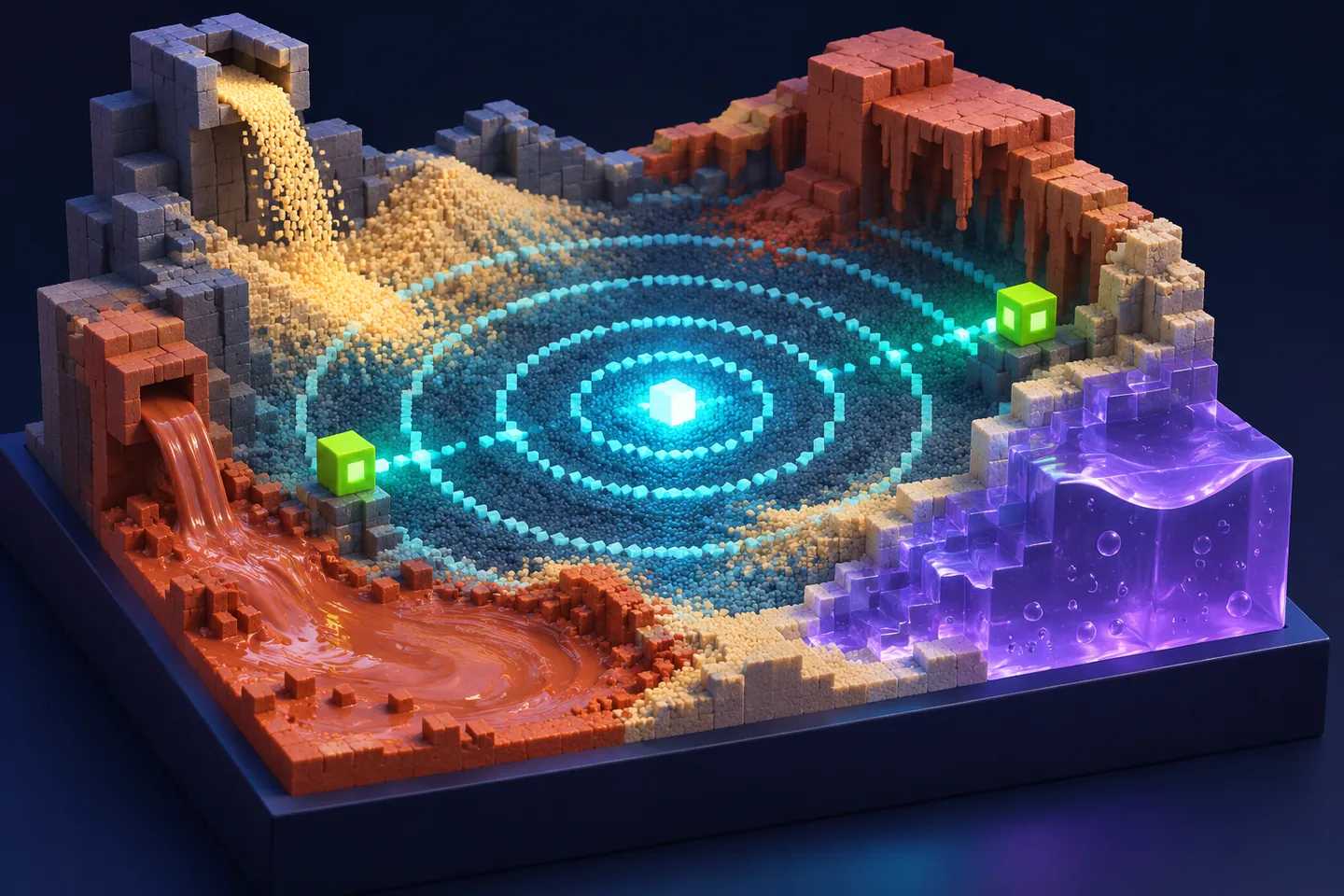
A new update to the existing sandbox
R74n announced the Sandboxels 1.16 update on November 20, 2026. Sandboxels itself is an existing falling-sand game: its Steam listing dates the original release to May 2025.
For returning players, the interesting question is what to build differently. The additions concern signals, material movement and editing a scene. Start with one of those questions instead of changing a large construction all at once.
Pulse gives Sensors a temperature-matching condition
According to the release notes, Pulse spreads outward until a wall stops it. Sensors detect a Pulse when their temperatures match. Shift-Select can also choose a material for the burst to leave on walls it reaches.
For a proposed comparison, keep a small scene’s geometry steady while changing the temperature setting you want to investigate. Record which sensor you expected to respond and what you actually saw. That separates a question about reception from a question about whether the signal reached that position. These are suggested observations, not tests performed for this report.
Slip and Gel change the clay-related possibilities
The developer describes Slip as a clay-and-water slurry that dries into Gel. Gel stays still on its own but can be displaced by most powders and liquids. It can also stop a group of solid pixels from falling.
Those distinctions suggest different questions for a small construction. Do you want the material itself to move, or do you want it to hold another arrangement in place? Write down the behavior you want first, then choose a scene where you can observe that behavior clearly. These descriptions concern materials inside the game’s simulation.
Editing controls support smaller adjustments
Arrow keys move selections and pasted content; Shift plus arrows resizes selections, and Enter confirms a paste. The changelog also covers undo, copying and save fixes.
A useful editing check is one you can describe afterward. Note the selected region, the action you attempted and the result you expected. If something looks wrong, that small sequence gives a clearer starting point for another attempt than a description of an entire complex scene.
Steam Mexico lists Windows and macOS
At the November 21 check, Sandboxels was available in Steam Mexico for MX$13.39, with no individual-item discount shown. Steam lists Windows and macOS as supported platforms. The November 20 post is the release confirmation used here.
R74n also describes a free browser version and directs players to Neal.fun. Check the version displayed by the copy you open before looking for an update’s new options. The web route and the Steam listing are separate places to inspect availability.
Give the next scene one question to answer
Choose a signal experiment, a material arrangement or an editing action for the next short session. Keep a note of the version, enabled mods and the scene’s starting conditions. Then change one thing and observe what follows.
That approach gives the new features a practical purpose. A surprising outcome becomes a specific question to investigate, rather than an assumption that every simulation behavior changed with the update.
Keep exploring
Sources & further reading
- R74n · Sandboxels v1.16 Steam release notes ↗
- R74n Newsletter · The developer’s v1.16 announcement ↗
- Sandboxels on Steam Mexico ↗
- R74n · Browser edition and current play link ↗
Have a correction? Tell our editorial team.