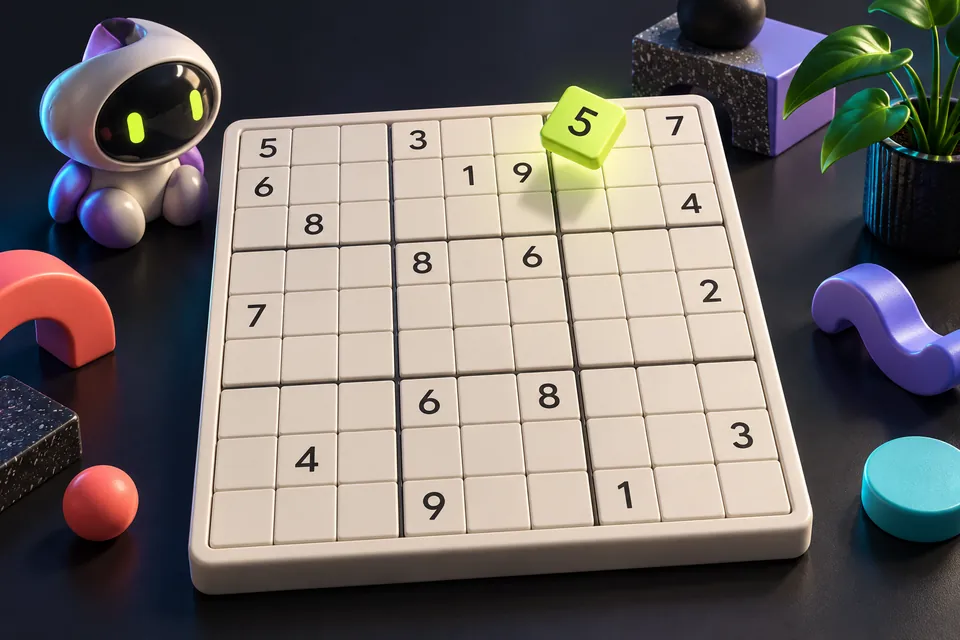
Build a Gaming Space That Feels Like You
Create a personal gaming corner with a clear playing surface, a small visual theme and pet-inspired art, without turning the setup into a shopping checklist.
Design for the way you actually play
A personal gaming space starts with the activities you want it to support. Someone who plays chess on a phone and keeps a paper notebook needs a different surface from a group that shares a keyboard. List the things you use during an ordinary session before choosing a visual theme.
Make a small sketch with a place for the device, your hands, a drink kept away from electronics and anything you need to reach. Leave room to put the device down. The purpose is a usable corner of your home, rather than reproducing a creator's expensive studio from a photograph.
Choose one visual idea
Pick a simple idea that connects the space to your interests: a favorite color, an exploration theme or the animals that keep you company. Use one main accent with a quieter background. Repeating that accent in a desk mat, a picture or an existing object can create a coherent look.
You can test the arrangement with things you already own. Move a print, swap two objects or hide a distracting box before buying anything. Photograph the desk from the position where you usually sit. A detail that looks impressive in a wide room photo may be distracting beside the screen.
Make wall art part of the story
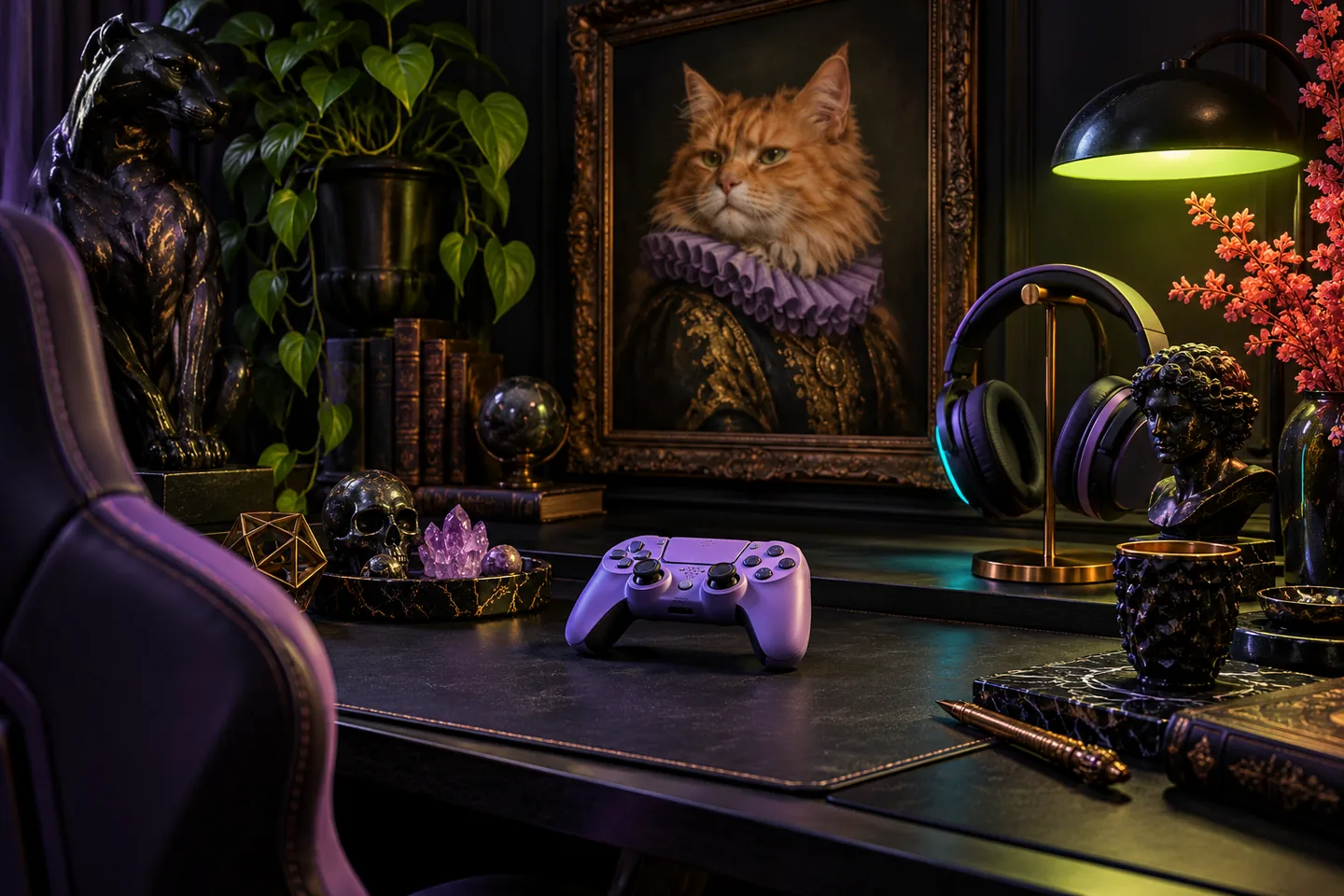
Pet-inspired art offers one way to personalize the space beyond a game franchise. Gatitos Clásicos reinterprets classical art with cats and presents personalized pet portraits on canvas. That combination can suit a corner where your love of games shares space with the animals and stories that matter to you.
Treat a print as a visual anchor rather than adding several competing focal points. Measure the available wall area and use a paper outline to try the scale. If you are considering a commissioned portrait, confirm the current options and image requirements directly; an inspiring example does not establish stock, pricing or delivery terms.
Keep the playing surface readable
Separate decoration from the area needed for controls and notes. A small tray can give loose objects a home, while a consistent route for cables makes the layout easier to understand. Check how your chair moves and whether a charging cable pulls across the space when you stand up.
Review the scene with the device switched on as well as off. Decorative light reflected on a screen can compete with a puzzle's numbers or a game's dark details. Try a quieter light arrangement before deciding that a brighter display is the answer. The useful test is whether you can see the game comfortably.
Plan for pets and shared rooms
If an animal shares the room, keep its resting place separate from vents, moving chair parts and loose equipment. Avoid making a tempting perch out of the device's ventilation area. Store delicate decorations where an ordinary jump or tail movement will not knock them onto the playing surface.
In a shared room, make the setup easy to pack away. Keep one small box for accessories and leave the surface ready for its next use. A recognizable picture or color can preserve the corner's identity even when the keyboard is stored. Personal does not have to mean permanently taking over the room.
Test the corner with a short game
Use a ten-minute session to test the arrangement. Play a familiar puzzle, reach for your notes and put the device down between rounds. Notice what you move repeatedly. Those repeated adjustments give you a more practical next change than comparing your desk with a heavily staged setup online.
Keep the changes that help you settle into play and remove the ones that get in the way. A finished gaming space can be modest, flexible and unmistakably yours. The aim is a place you enjoy returning to, with enough clear space for the next move and enough personality to make you smile.
Keep exploring
Sources & further reading
- Gatitos Clásicos: pet-inspired artwork and personalized portraits ↗
- Gatitos Clásicos: art and pet stories ↗
Have a correction? Tell our editorial team.