Saved Loadouts in Console Games: Check What the Set Includes
Use saved loadouts in console games to prepare your next session. Compare FFXIV gear sets with the linked sets in Monster Hunter Rise: Sunbreak.
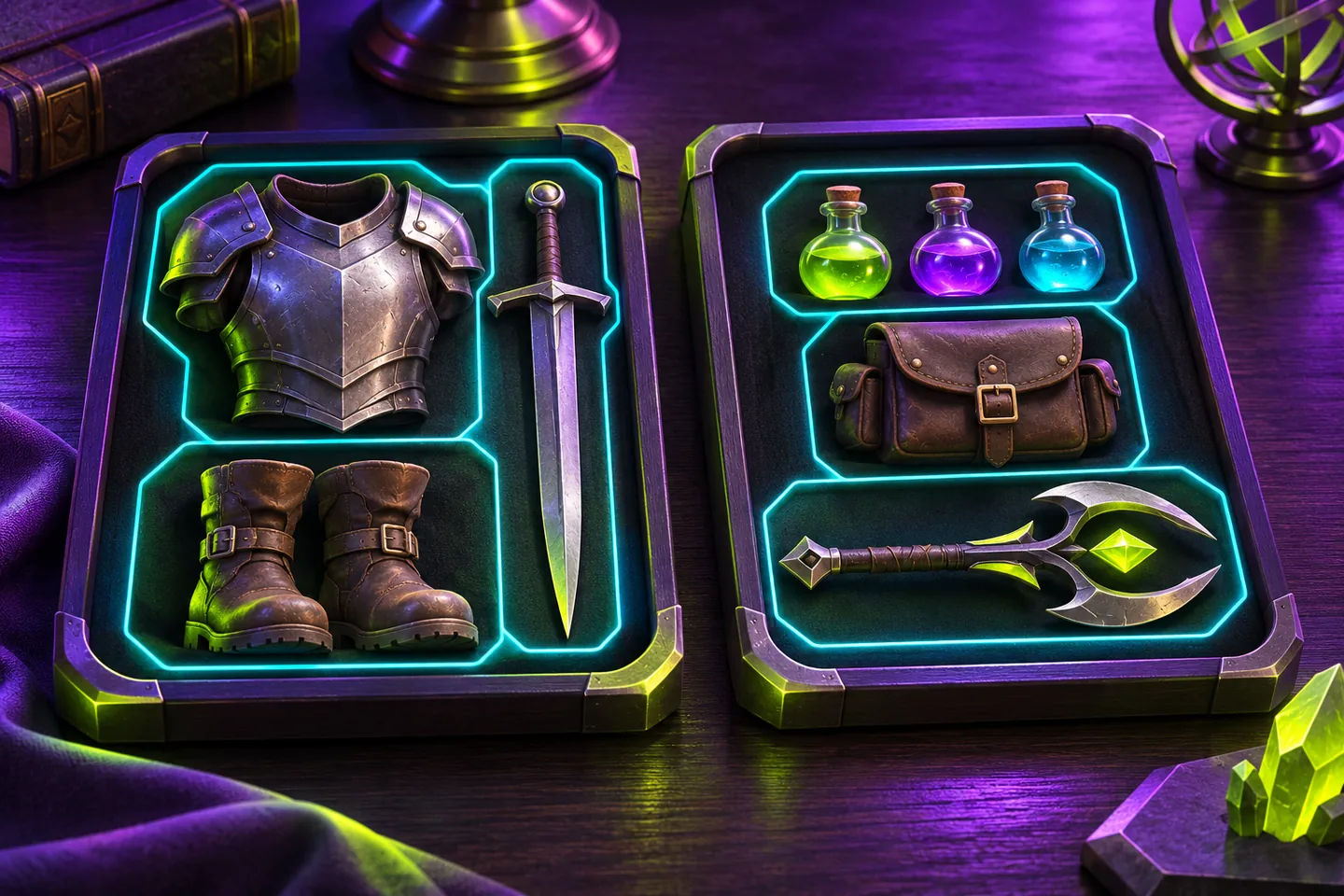
Know what you are saving
Saved loadouts in console games let you return to a setup you have already chosen. The useful first check is what the saved entry includes. Final Fantasy XIV can record your equipped gear, while Monster Hunter Rise: Sunbreak can group several kinds of sets under one Hunter Loadout.
Imagine preparing for an evening of play and finding a familiar set name in the menu. Before selecting it, think about what you expect to get back. The name might refer to the equipment you wore last time or to a broader arrangement you registered.
FFXIV records the equipment you have on
Square Enix’s current UI guide explains how to save your equipped items as a gear set. Open Character, choose Gear Set List and add an entry. The feature becomes available when you gain access to a second class. The guide includes controller instructions for PS5.
Try giving a set a name that tells you when you use it. When you return, inspect the items in that entry before equipping it. A recognizable name helps you find the set, while its contents tell you what you are choosing.
Revisit the set after changing your gear
FFXIV’s Recommended Gear feature selects items with the highest attributes for your current class or job from your Armoury Chest. Its guide suggests updating gear sets after equipping the recommendation.
Suppose you replace an old pair of boots and want the new pair in the setup you use regularly. Check the equipped items, then update the relevant gear set. Switch to another set and back, and inspect the boots. That gives you a concrete way to check whether you saved the change you intended.
Sunbreak can group your preparation
The current Switch manual for Monster Hunter Rise: Sunbreak documents Hunter Loadout at the item box. It lets you register item, equipment and layered equipment loadouts together. The manual identifies Hunter Loadout as a feature added through an update.
Think of preparing for two different hunts. Each may call for a different set of equipment and supplies. Before registering either arrangement, check which item set and equipment set you selected. A grouped entry is easier to understand when you know the choices it brings together.
Check a grouped entry after deleting a component
Capcom’s manual warns that deleting an item, equipment or layered equipment loadout removes its registration from Hunter Loadout. The grouped entry therefore has components worth checking when you tidy your saved sets.
If you delete a set you no longer use, revisit the Hunter Loadouts you keep. Look for the component you expected each one to include. Do this while preparing at the item box, when you can inspect the arrangement before departing.
Make the next selection easy to verify
Keep a short note of the set name, the task you use it for and the last change you made. In FFXIV, that change could be a replacement item. In Sunbreak, it could be the item set registered alongside your equipment.
When you select the entry again, check that specific detail. You then have a clear answer to whether the saved setup matches what you meant to prepare.
Keep exploring
Sources & further reading
- FFXIV UI Guide on saving and equipping gear sets ↗
- FFXIV UI Guide on Recommended Gear and updating saved sets ↗
- Monster Hunter Rise: Sunbreak Switch manual on Hunter Loadout ↗
- Nintendo’s Monster Hunter Rise guide on equipment loadouts ↗
Have a correction? Tell our editorial team.