PS VR2 Play Styles: Sitting, Standing and Roomscale
Compare PS VR2 play styles in Horizon, Beat the Beats VR and Job Simulator. See what sitting, standing and roomscale require from your play area.
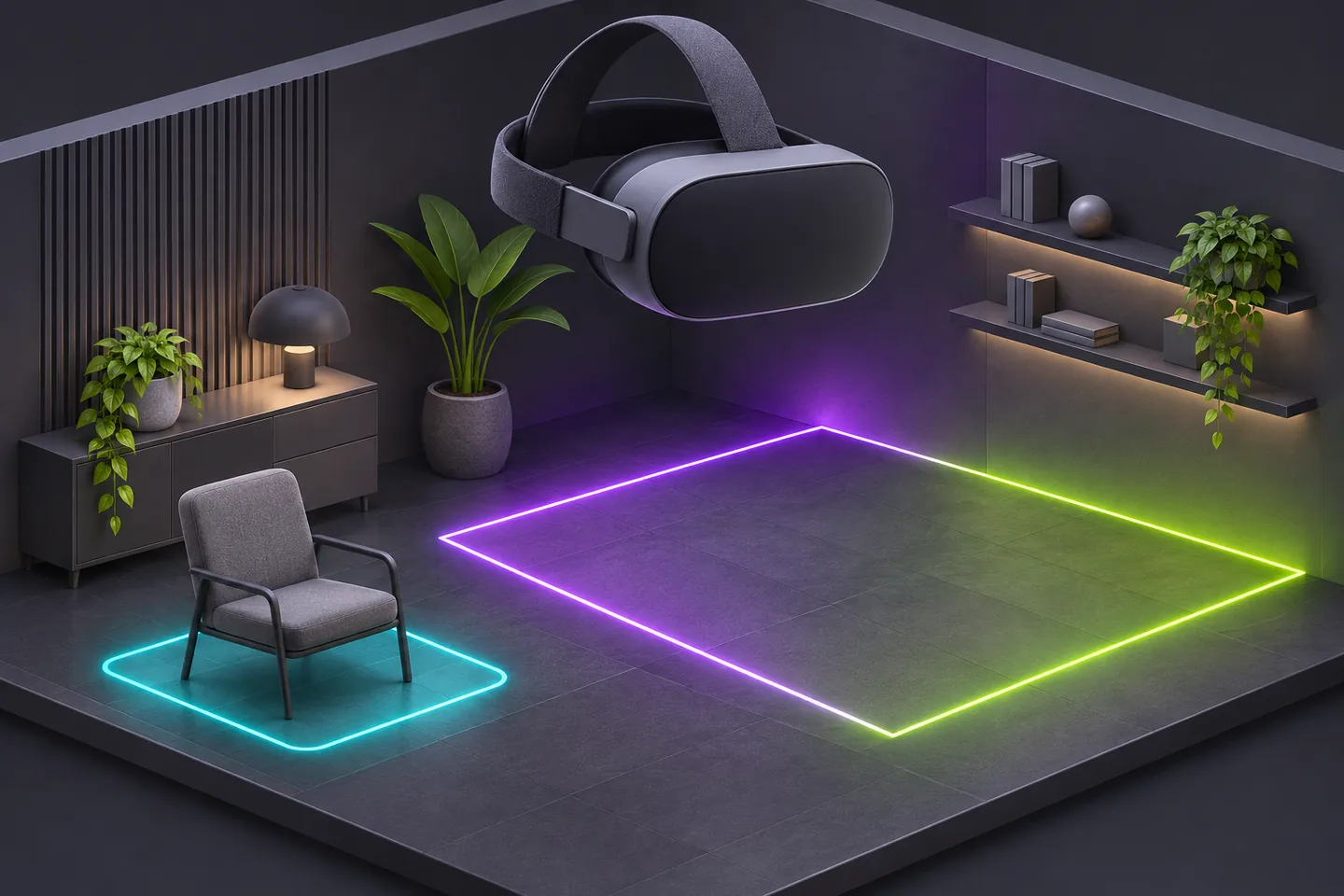
Measure the clear space you can actually use
PS VR2 play styles describe how you can position and move your body while playing a supported PS5 game. Sony gives sitting and standing a minimum play area of 1 m by 1 m each. Roomscale, which lets you move around in the play area, requires at least 2 m by 2 m.
Measure clear width and depth separately. Suppose the available rectangle is 1.6 m wide and 2.6 m deep. It covers 4.16 square meters, yet it cannot contain the 2 m square. That space meets the dimensions for sitting or standing, subject to having room to move the controllers freely.
In Horizon, posture and locomotion are separate choices
The US PlayStation Store lists all three styles for Horizon Call of the Mountain. Its game support page also describes two ways to move through the virtual world. Gesture uses body movement. Analogue uses the sticks on the PS VR2 Sense controllers. You can select a scheme in calibration and change it in Options.
Imagine setting up to play from a chair. Sitting tells you which posture the game supports. Analogue tells you how you can move your character while there. The store also describes motion-based actions such as climbing and shooting a bow, so leave enough space to move your arms freely.
Standing can still involve wide arm movements
Beat the Beats VR lists standing and roomscale on PS5. The boxing rhythm game describes jabs, hooks and uppercuts among its moves. Standing lets you choose a smaller floor footprint than roomscale, while those movements still need clearance around and above you.
Look at the space from the spot where you would stand. A lamp near shoulder height can be outside the floor area you measured and still be in the path of a hook. Check the reach of your hands and controllers while you can see the room.
Job Simulator needs the larger square
The PS5 version of Job Simulator lists roomscale as its play style and requires the PS VR2 Sense controllers. The game has you pick up and manipulate objects in simulated workspaces. Its floor requirement is attached to that version even though the product page also includes a PS4 edition.
Return to the 1.6 m-wide example. The room can accommodate a smaller supported style in another game, but it still lacks the width Job Simulator calls for. Check that dimension before rearranging a room around the title.
Update the boundary when the furniture moves
Sony puts Set Play Area under Settings, Accessories, then PlayStation VR2. During setup, the headset cameras scan the room. In VR mode, approaching the boundary brings it into view. Sony says crossing it pauses the game and switches the display to your surroundings.
If you bring a coffee table back into the room, use the updated clear dimensions when setting the boundary again. The space you can use changes as soon as the table takes up part of the floor.
Match the game to the position you will play from
Decide whether you want to sit, stand or move around. Check the VR play style for the PS5 version, then compare your clear width, depth and arm reach with that setup.
In the example room, the sitting option in Horizon fits the dimensional check. Beat the Beats VR’s standing option fits those dimensions if there is also room for its punches. Job Simulator needs a different floor layout.
Keep exploring
Sources & further reading
- PlayStation Support on PS VR2 play styles and play areas ↗
- PlayStation Support on PS VR2 setup and room scanning ↗
- PlayStation Store listing for Horizon Call of the Mountain ↗
- Horizon Call of the Mountain support on movement options ↗
- PlayStation Store listing for Beat the Beats VR ↗
- PlayStation Store listing for Job Simulator ↗
Have a correction? Tell our editorial team.